
Six barrels
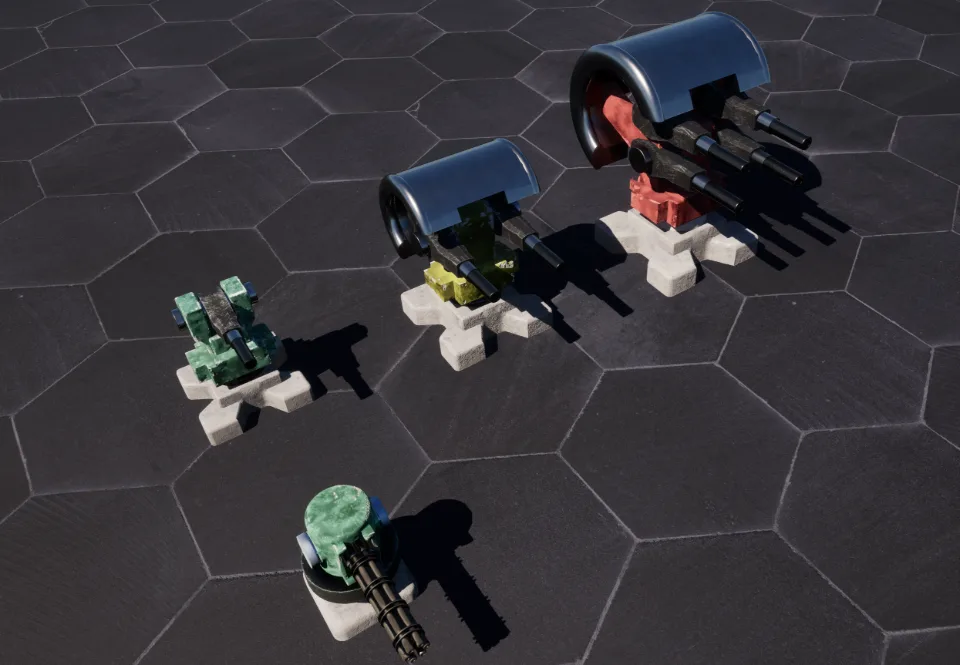
The first gun tower became Cannon Tower Level 2, so the gun tower starts again, this time as a rotary gun. One day, from six bare tubes in Autodesk Maya to a green Level 1 standing in front of the cannons.
01 The barrels
Autodesk Maya
The cannons fire heavy single shots. The gun tower should be the opposite: a stream of fire from a spinning cluster of barrels.
01
Starting over
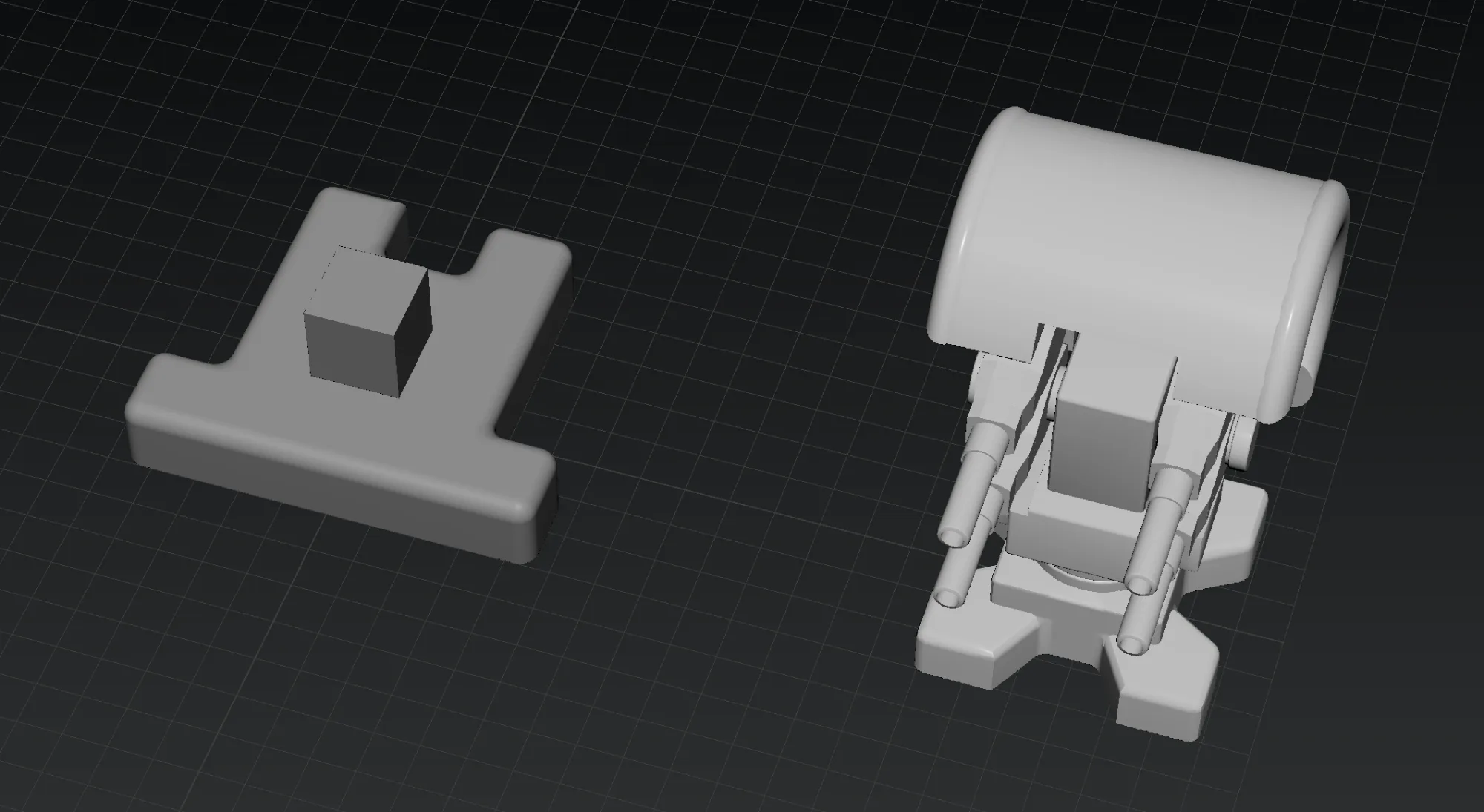
The first gun tower is now Cannon Level 2, so the gun tower gets new parts of its own.
The first piece is blocked out right beside the cannon, in the same scene and at the same scale, so the new tower can be measured against the old one.
02
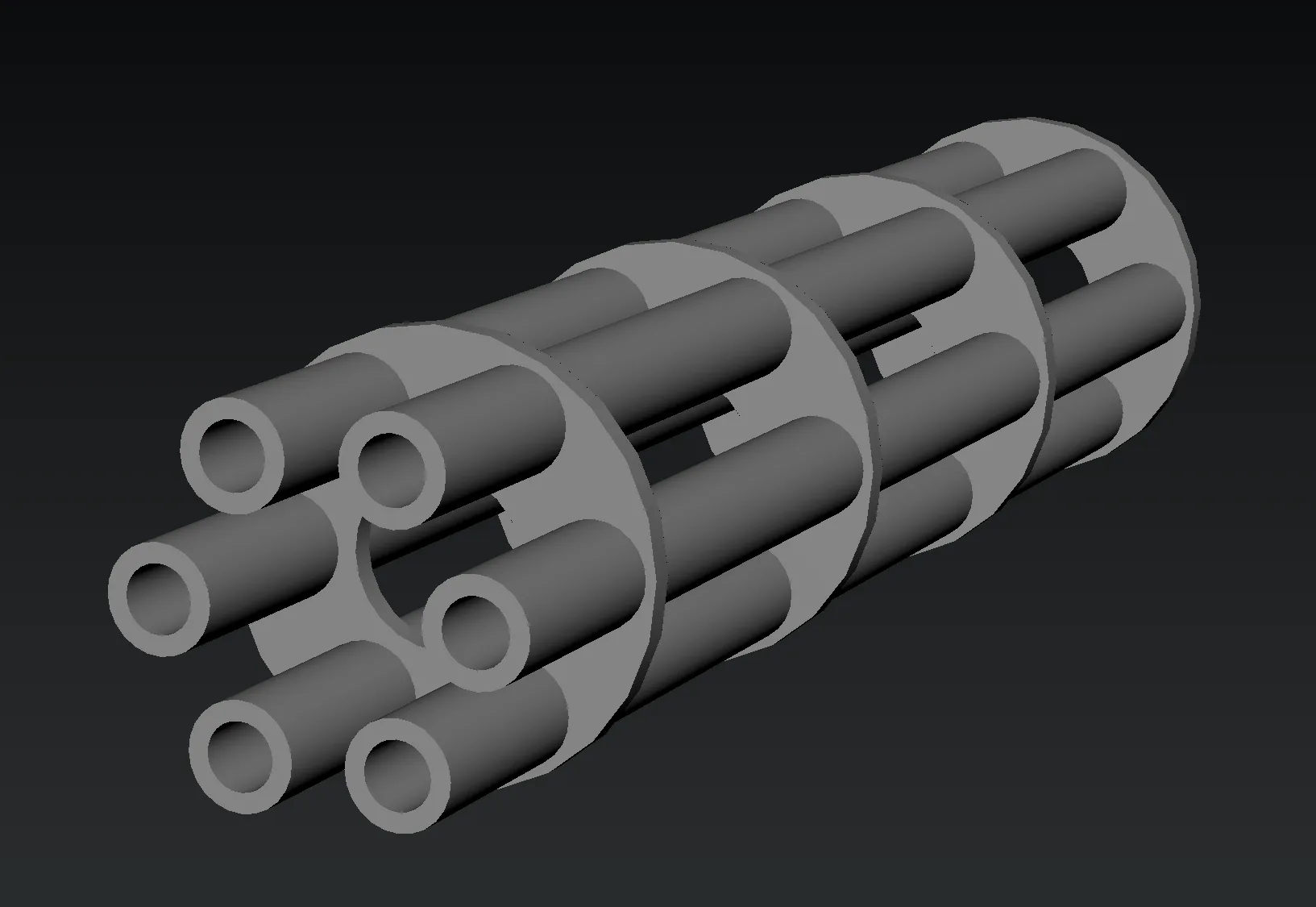
Six in a ring
Six barrels around an empty centre, held by collars: the shape of a rotary gun, where each barrel takes its turn to fire as the cluster spins.

03
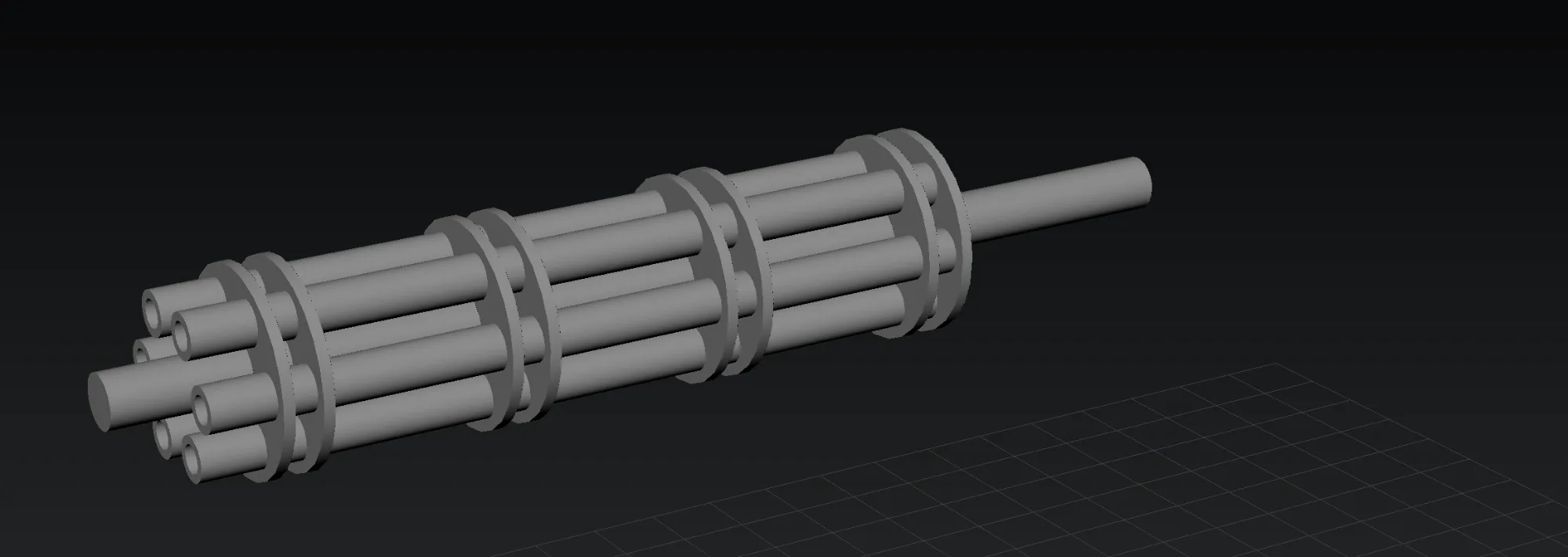
Longer, with collars
Three minutes later the cluster is longer and the collars come in pairs, spaced along the barrels like the clamps on the real thing.
04
A spine
A shaft runs down the middle and out of the back: the axle the barrels will spin around, and the part that connects the gun to the turret.

05
Tied to the shaft
Angled fins on the shaft between the collars, and a flared hub at the back, tie the barrels to the axle so the whole cluster turns as one.

06
X-ray
With X-ray shading on, the barrels turn see-through and the inside shows: shaft, fins and collars, all lined up on one axis.
02 The turret
Autodesk Maya
The gun needs somewhere to sit: a squat drum that turns, with a cradle that tilts.
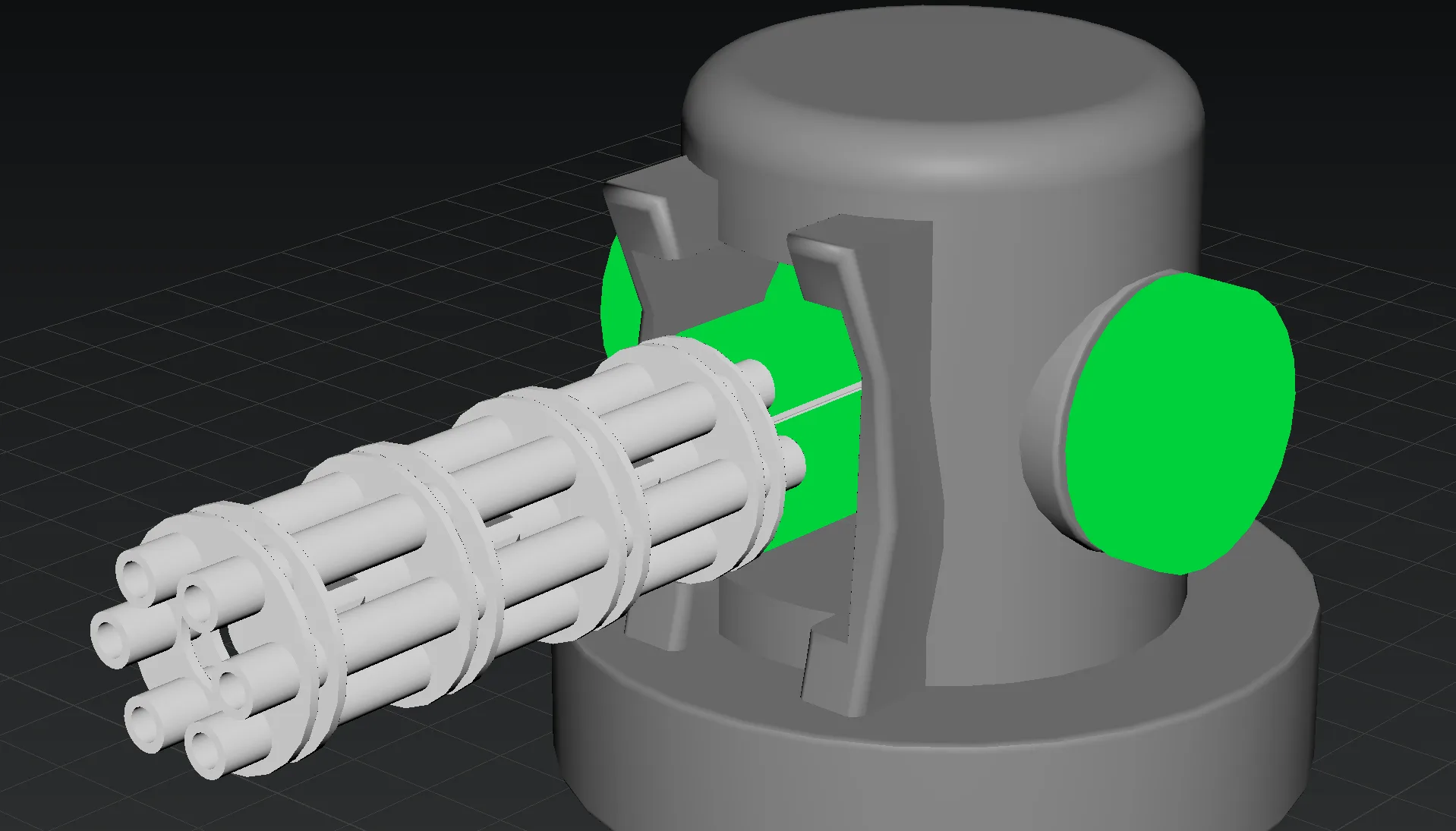
07
Green means unpainted
The cluster now sits in a drum-shaped turret on a round ring. The bright green isn't a colour choice: in Maya, green marks a part that has no material yet.
Every part gets one standard material before it goes to Adobe Substance 3D Painter.
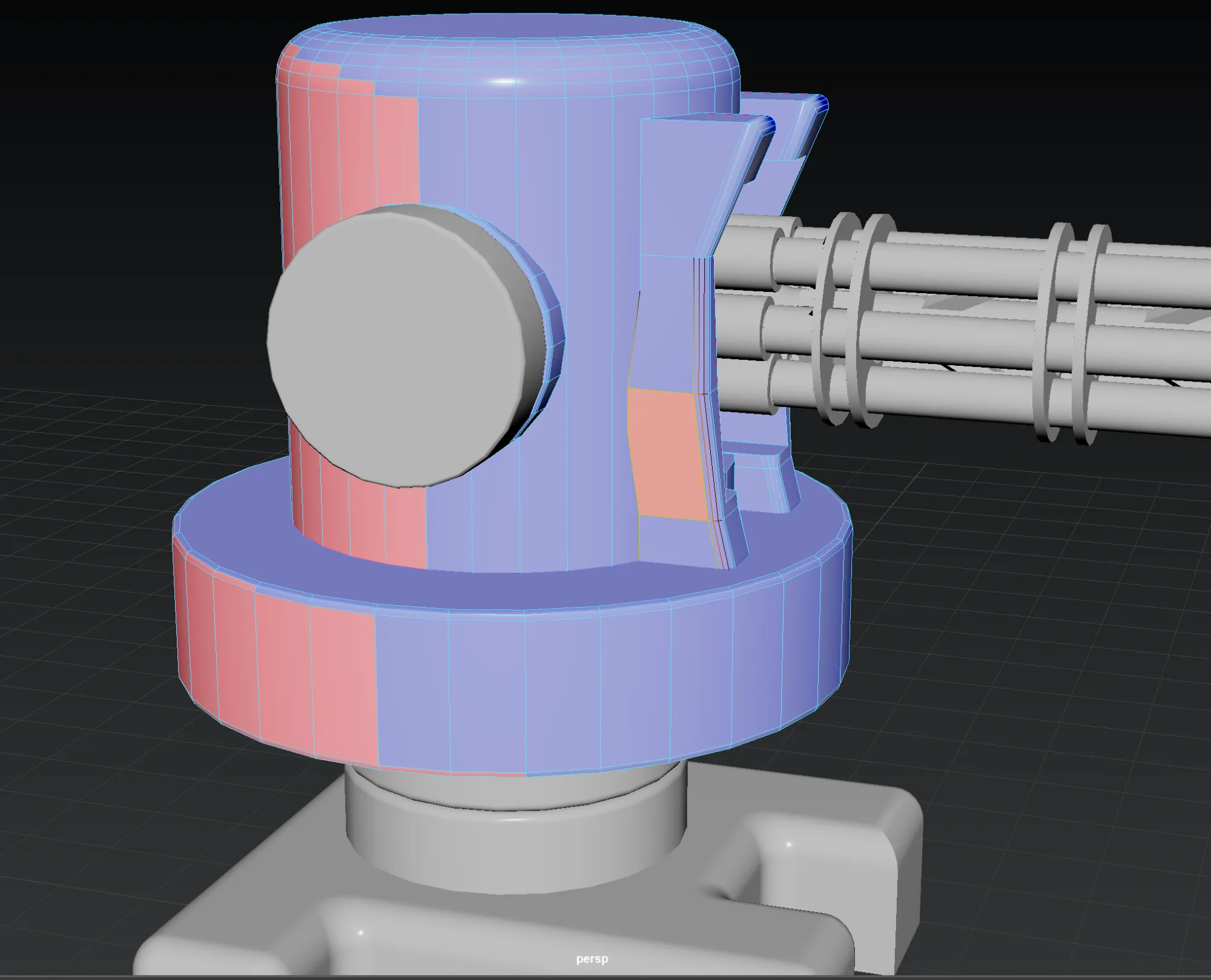
08
Which way they face
With UV shading on, Maya colours each shell blue when it faces the right way and red when it's flipped. The red patches on the drum and ring show which shells still need turning over before the layout.
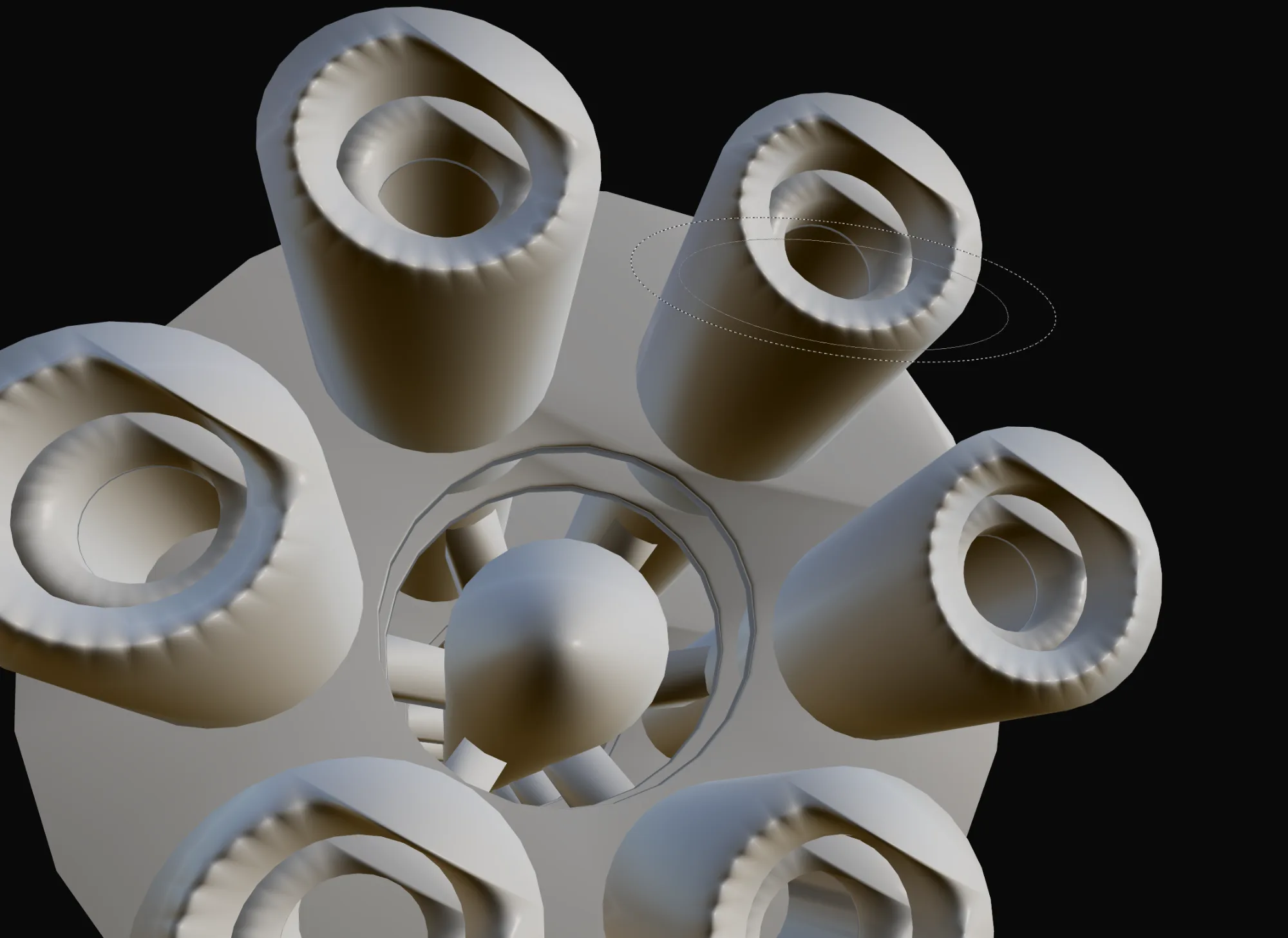
09
The robot's view
Straight down the barrels: six flared, ridged muzzles around a central hub. This is the last thing a robot sees.
03 In the engine
Unreal Engine 5.8
Level 1 joins the cannons on the hex floor, and has to look like it belongs.
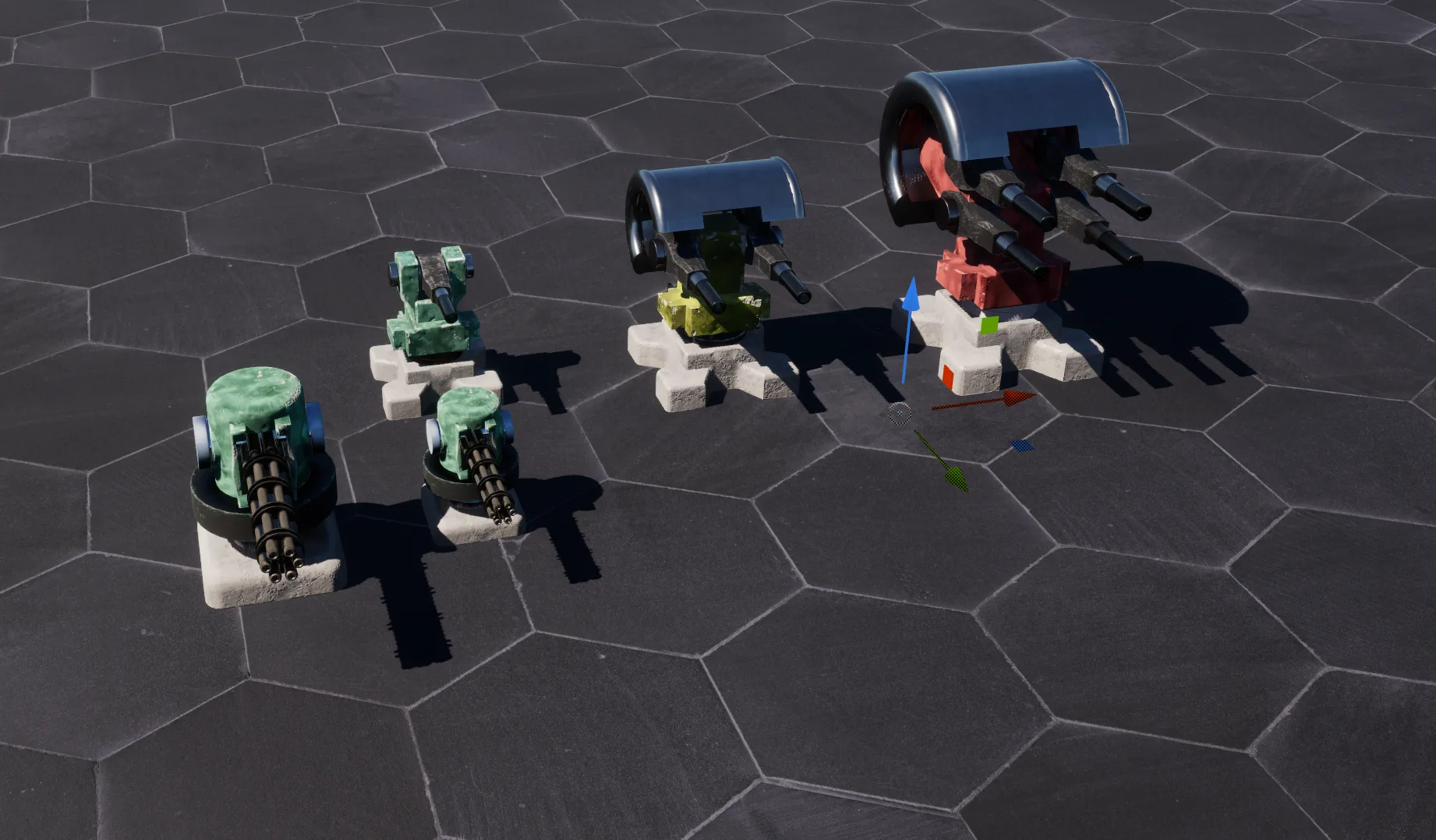
10
Two sizes
Two copies of the new tower at different sizes, side by side with the cannon family. A Level 1 has to read as a Level 1 next to everything else on the floor: not too big, not too small.
11
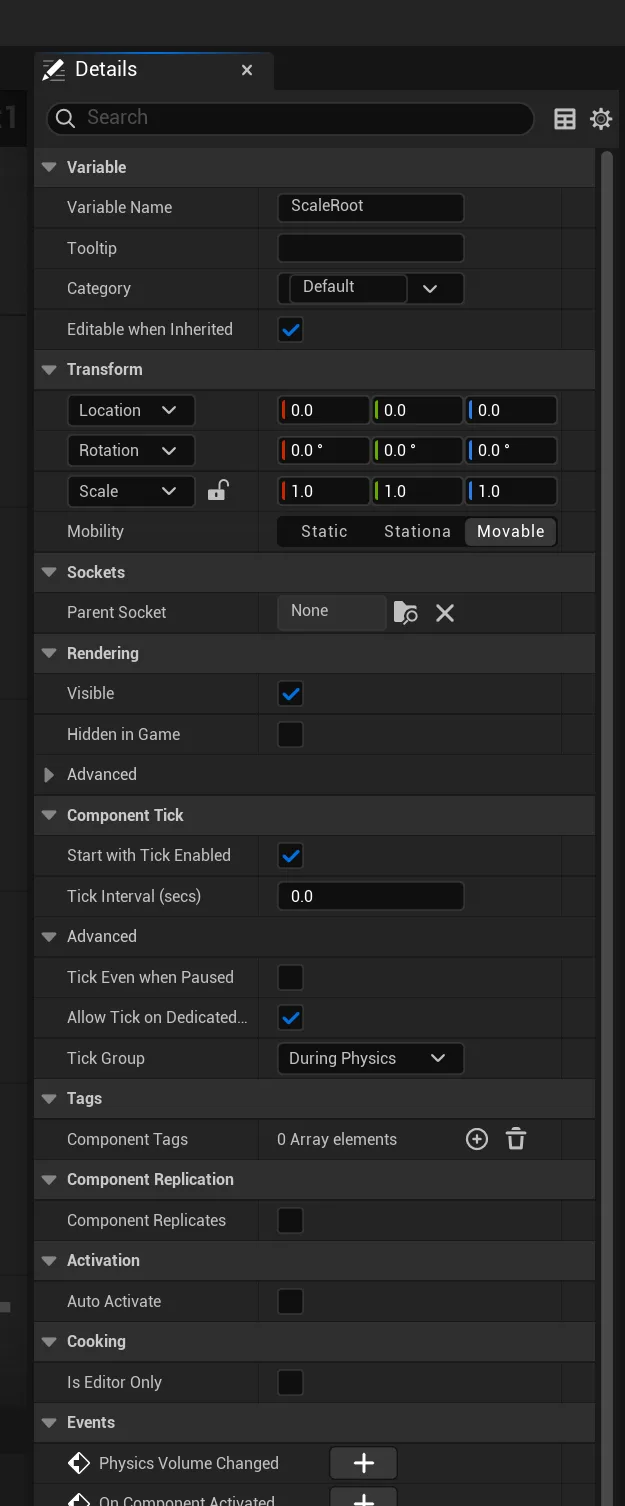
ScaleRoot
A new component at the top of the Blueprint: ScaleRoot, movable, at scale 1.0. It gives each tower one place to change its size without touching the turret and tilt pivots underneath.
The same trick could give Cannon Level 3 the extra size it needs to read as an upgrade from the gameplay camera.
12
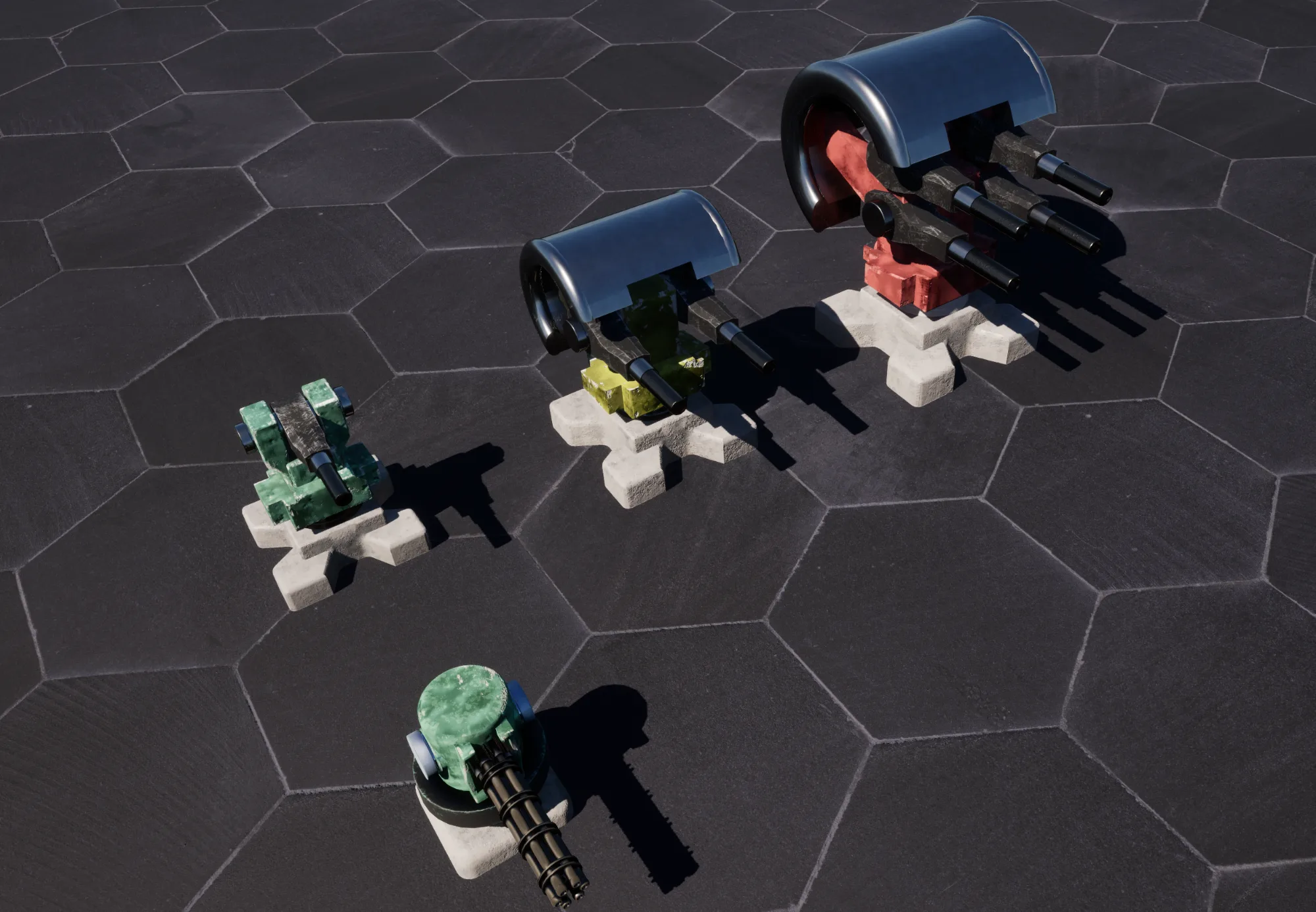
Four towers
Gun Tower Level 1 in front of the three cannons: green and worn, like every Level 1, with one six-barrel gun on a drum turret and a plain concrete block for a footing.
Its hand-built material was saved at 5:52 PM; the Blueprint came together overnight.
Level 1, spinning up.
Next: Gun Tower Level 2, already open in Maya, and then Level 3. Two levels to go before the gun tower family matches the cannons.