
The first tower
One gun tower, from grey blockout in Autodesk Maya to painted steel in Adobe Substance 3D Painter. Seventeen captures from the build, in the order they were taken.
01 Blockout
Autodesk Maya
Hard-surface modelling. At this stage the job is shape and proportion, not detail.
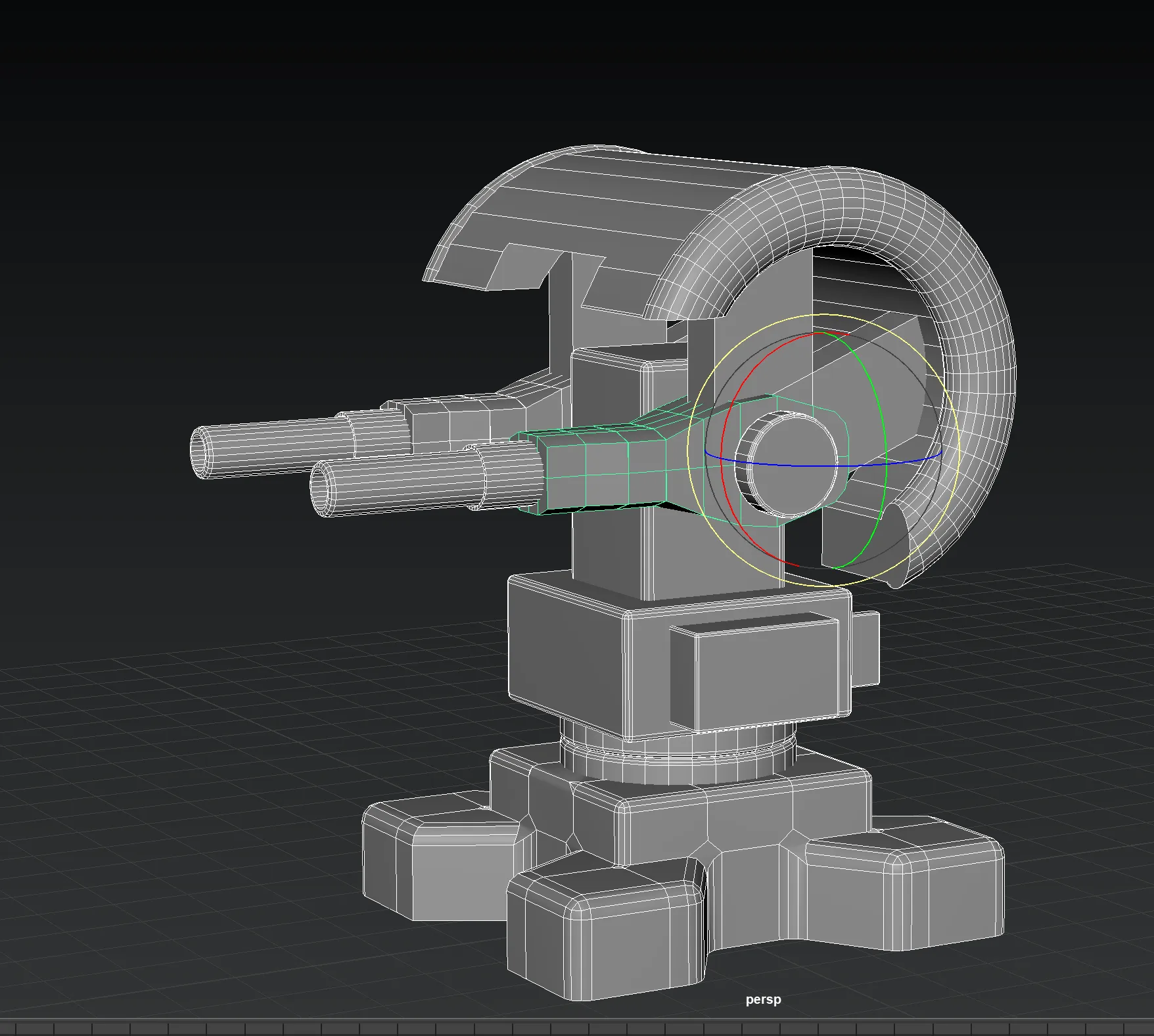
01
A turret on a star-shaped footing
The tower starts as plain grey geometry: a four-armed footing, a slewing ring, a turret block, twin barrels and a curved cooler shroud wrapped over the top.
The coloured rings are Maya's rotate tool, already sitting on the gun arm. This tower is built to move.
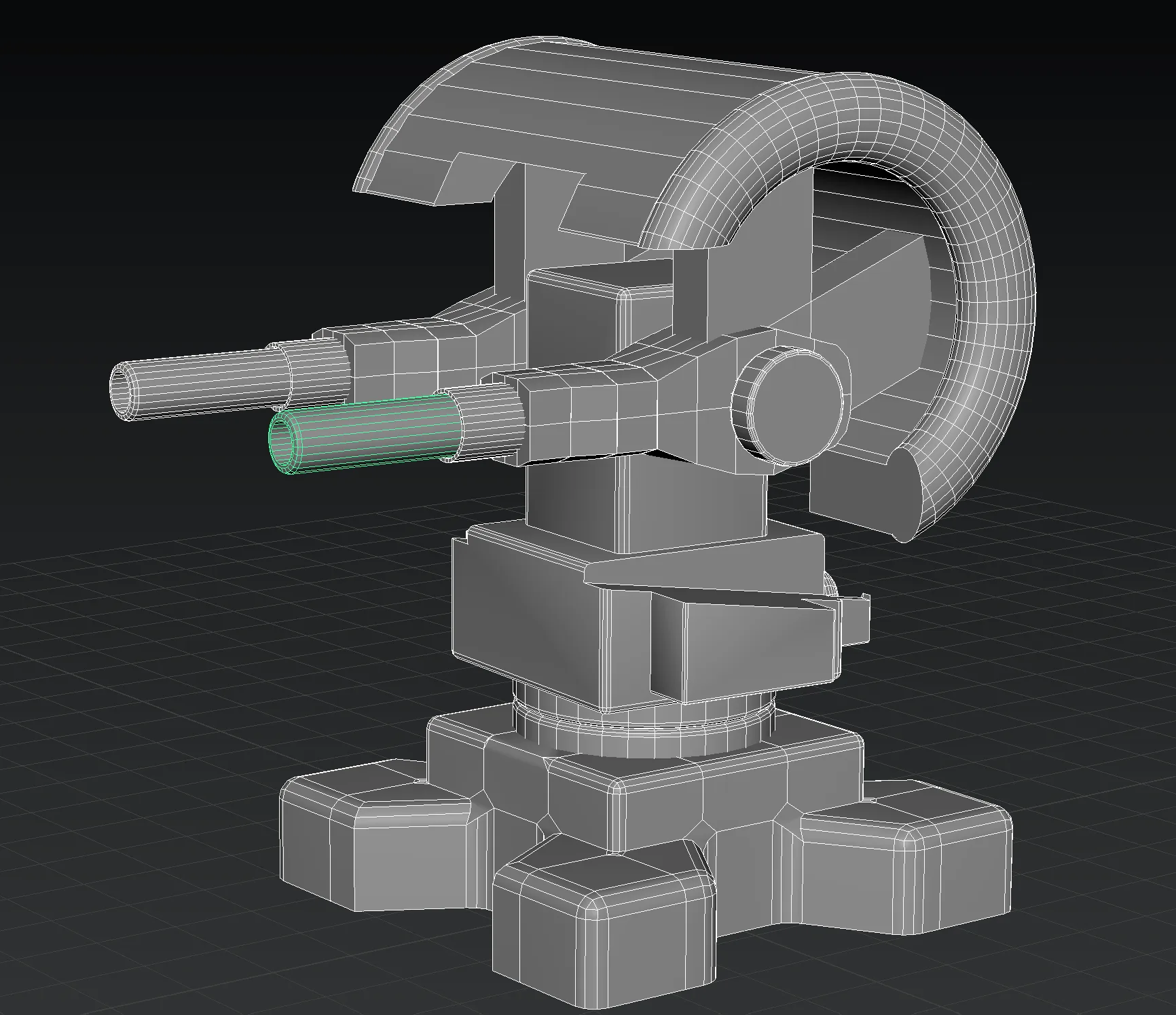
02
Barrels in parts
Each barrel is a stack of simple pieces (muzzle, sleeve and housing) rather than one long tube. The highlighted barrel is half of a mirrored pair.
Separate parts now mean separate materials later.
02 Hierarchy
Autodesk Maya
Before any texture work, every part is named and grouped so the tower can turn and aim.
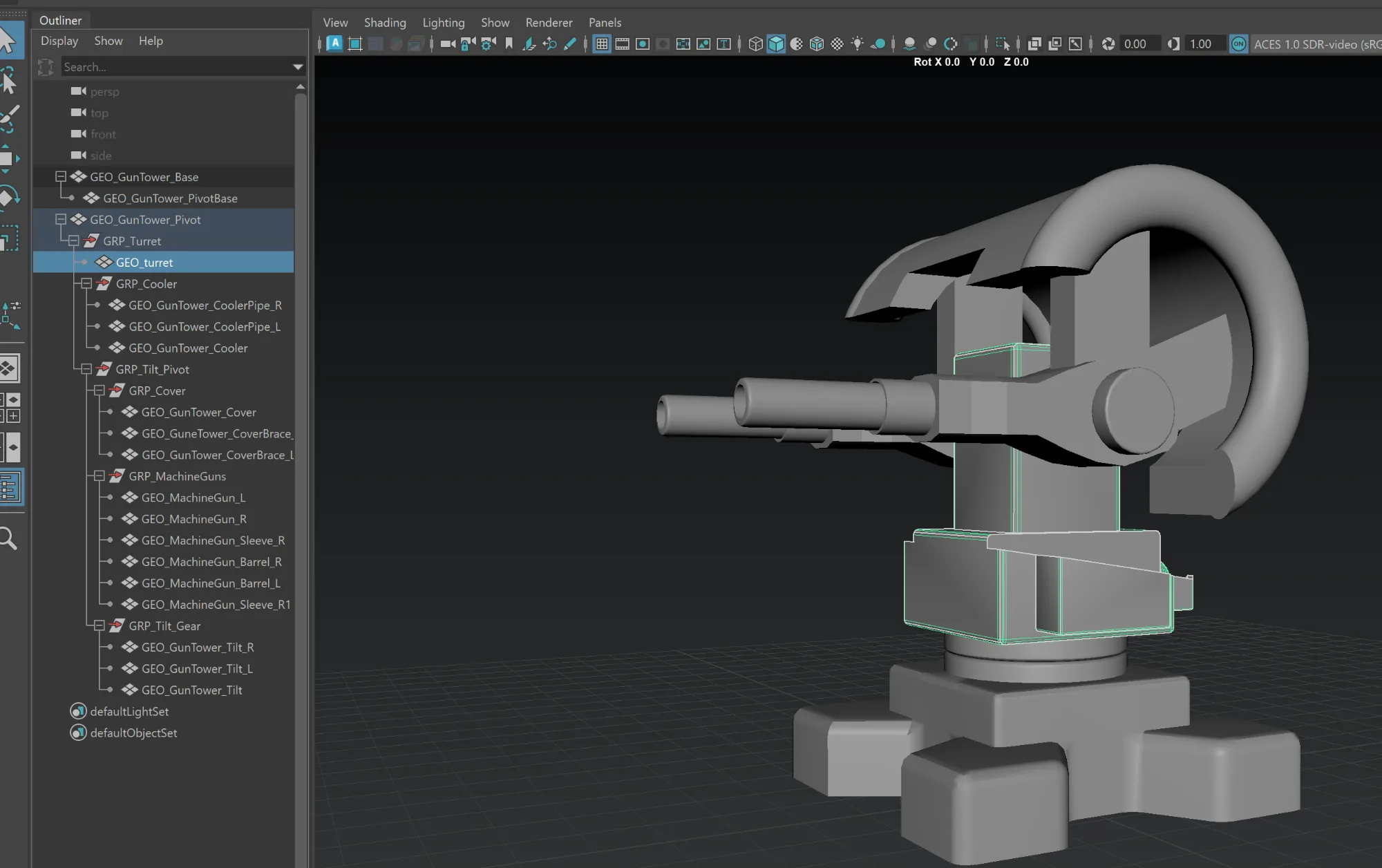
03
Named so it can aim
The Outliner tells the story. GEO_GunTower_Base stays planted. Everything under GEO_GunTower_Pivot turns: the turret, the cooler and its pipes, and a tilt pivot carrying the cover, the machine guns and the tilt gear.
Meshes are GEO_, groups are GRP_, and left and right end in _L and _R.
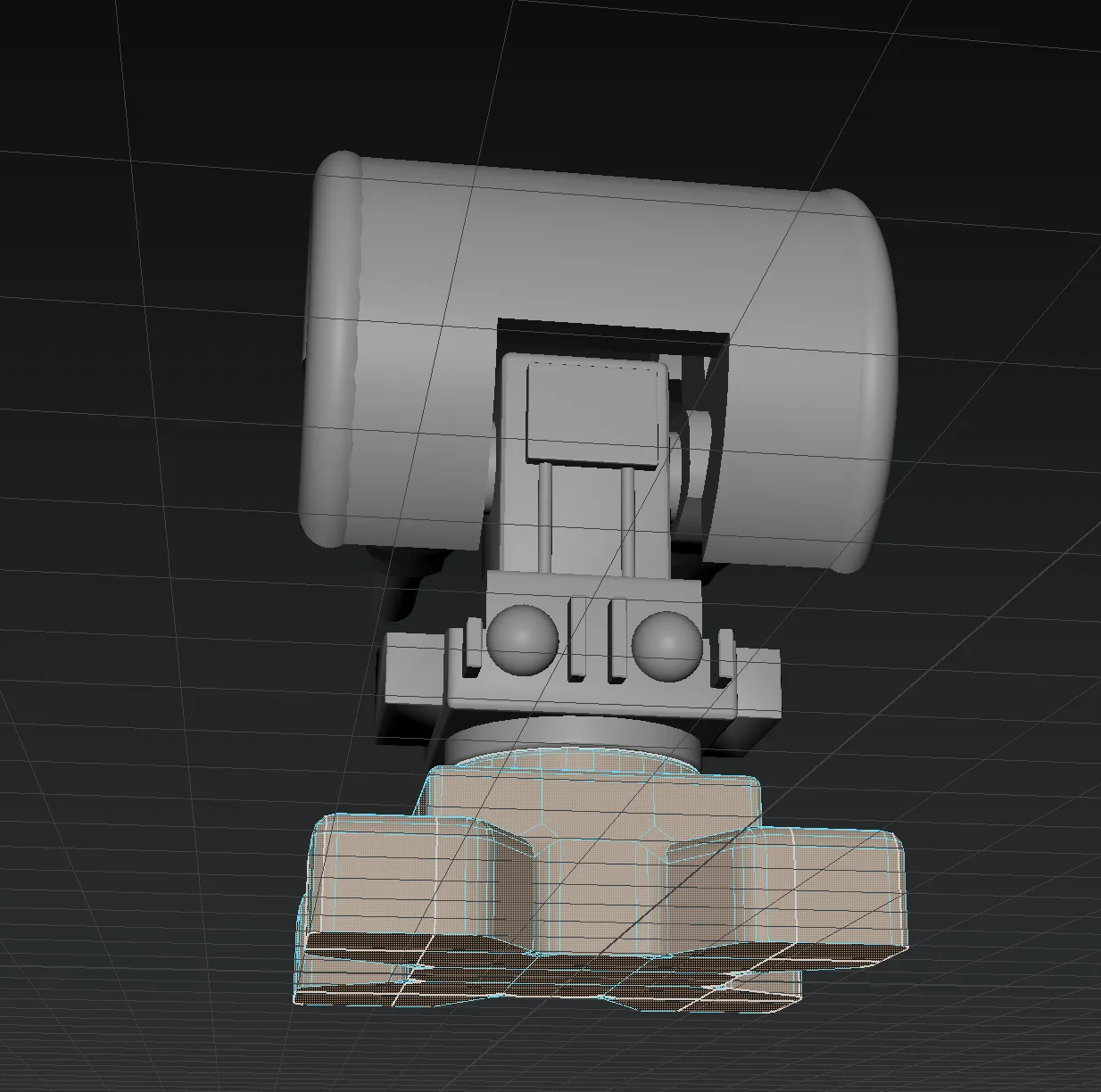
04
From underneath
A look from below the grid, with the footing's faces selected in orange.
From back here the turret shows its bracket, guide rods and a pair of round fittings: detail that will catch the light once it is painted.
03 Unwrap & bake
Autodesk Maya · Adobe Substance 3D Painter
Flattening the model so it can take textures, then baking the maps that texturing tools read.
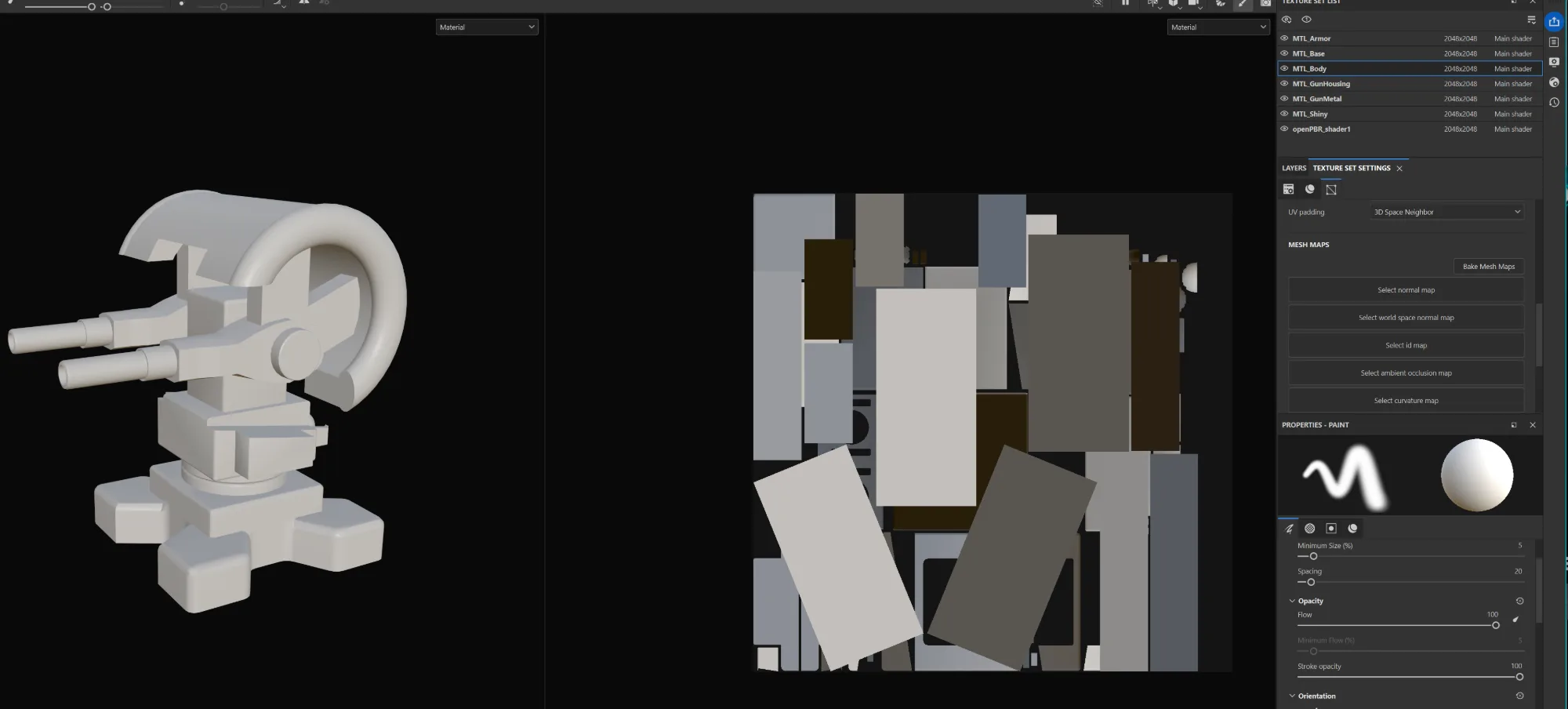
05
First trip into Substance 3D Painter
The tower arrives in Adobe Substance 3D Painter as seven texture sets at 2048 × 2048: armor, base, body, gun housing, gun metal, a shiny set and a leftover default shader.
The right-hand view shows the UV layout in flat colour. The mesh map slots are still empty: nothing is baked yet.
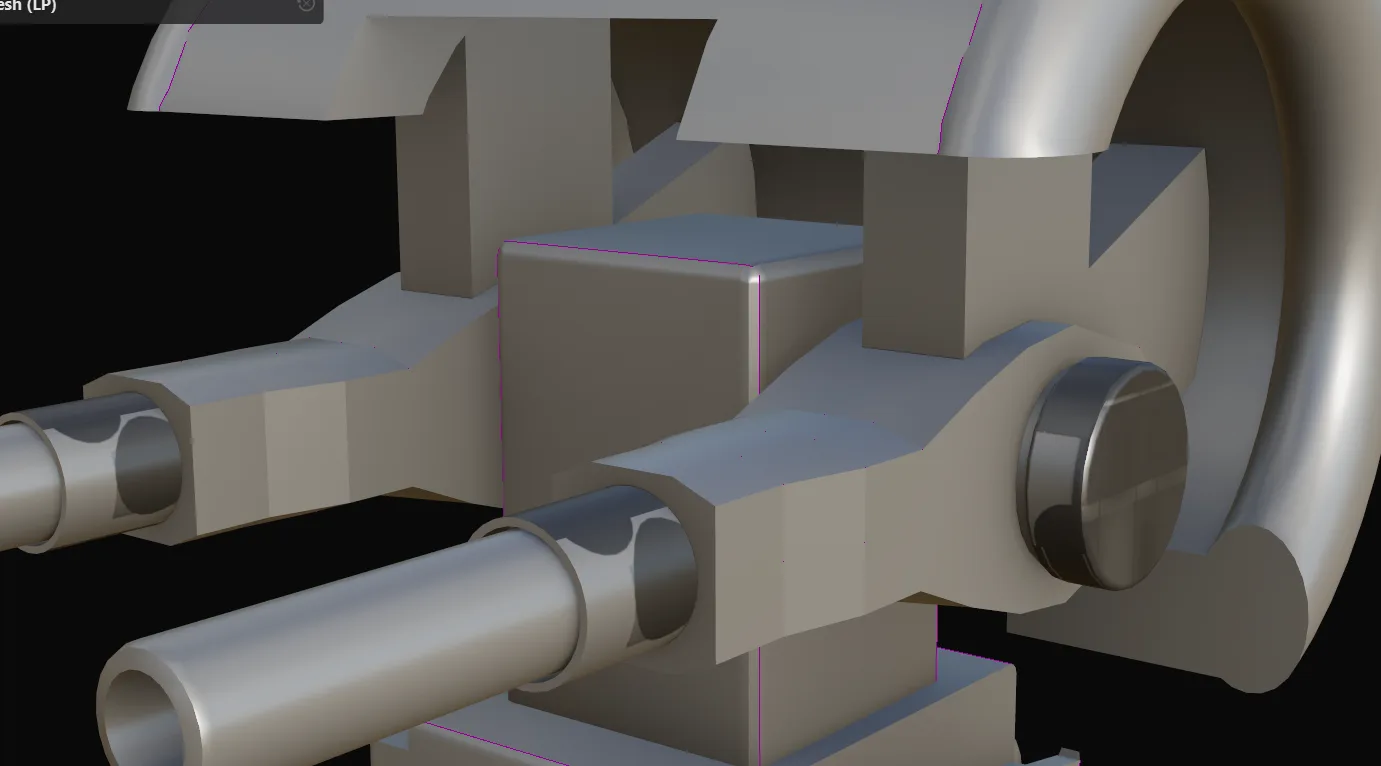
06
The low-poly check
Close in on the low-poly mesh, the real-time version of the model.
Hard edges, bevels and the hollow barrel housings get a once-over under soft light before anything is baked onto them.
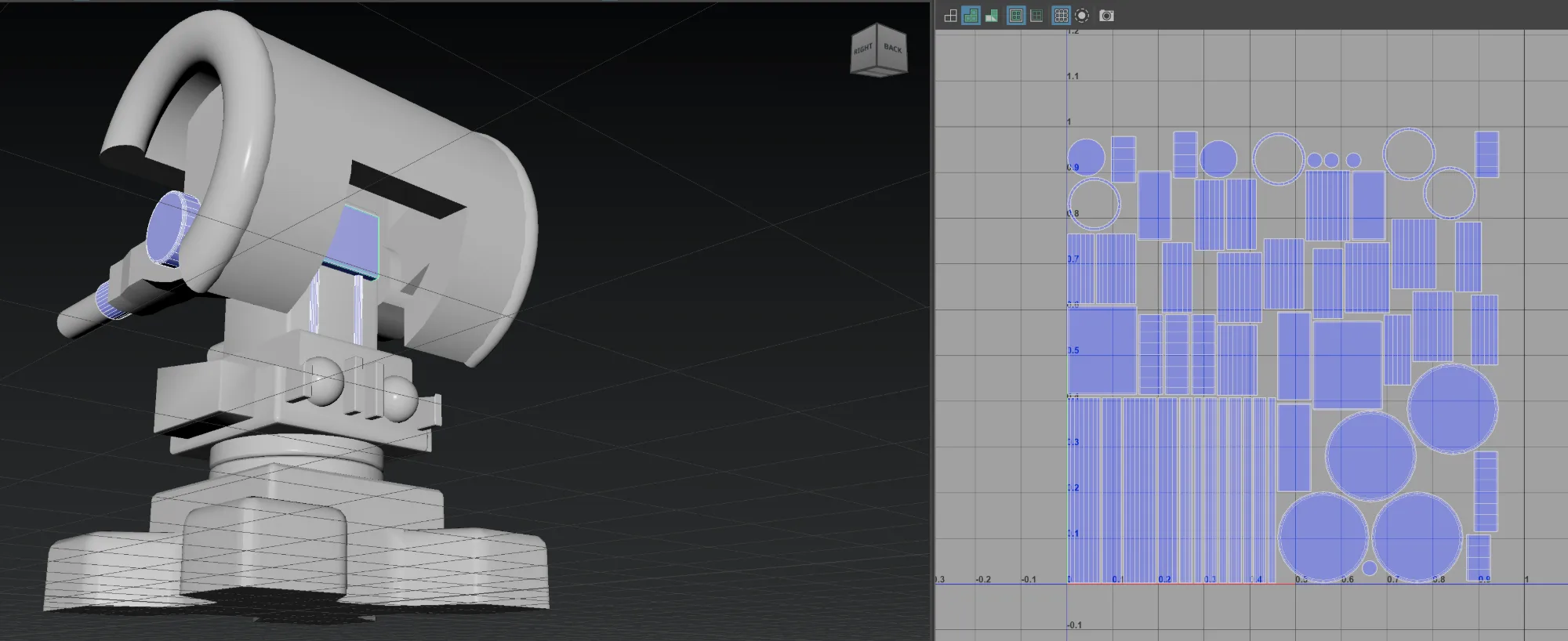
07
Unwrapped
Maya's UV Editor, with every shell packed into the 0–1 square.
The circles are end caps and rings; the long strips are the sides of barrels and pipes. The faces highlighted on the model show where their shells land.
08
Maps baked
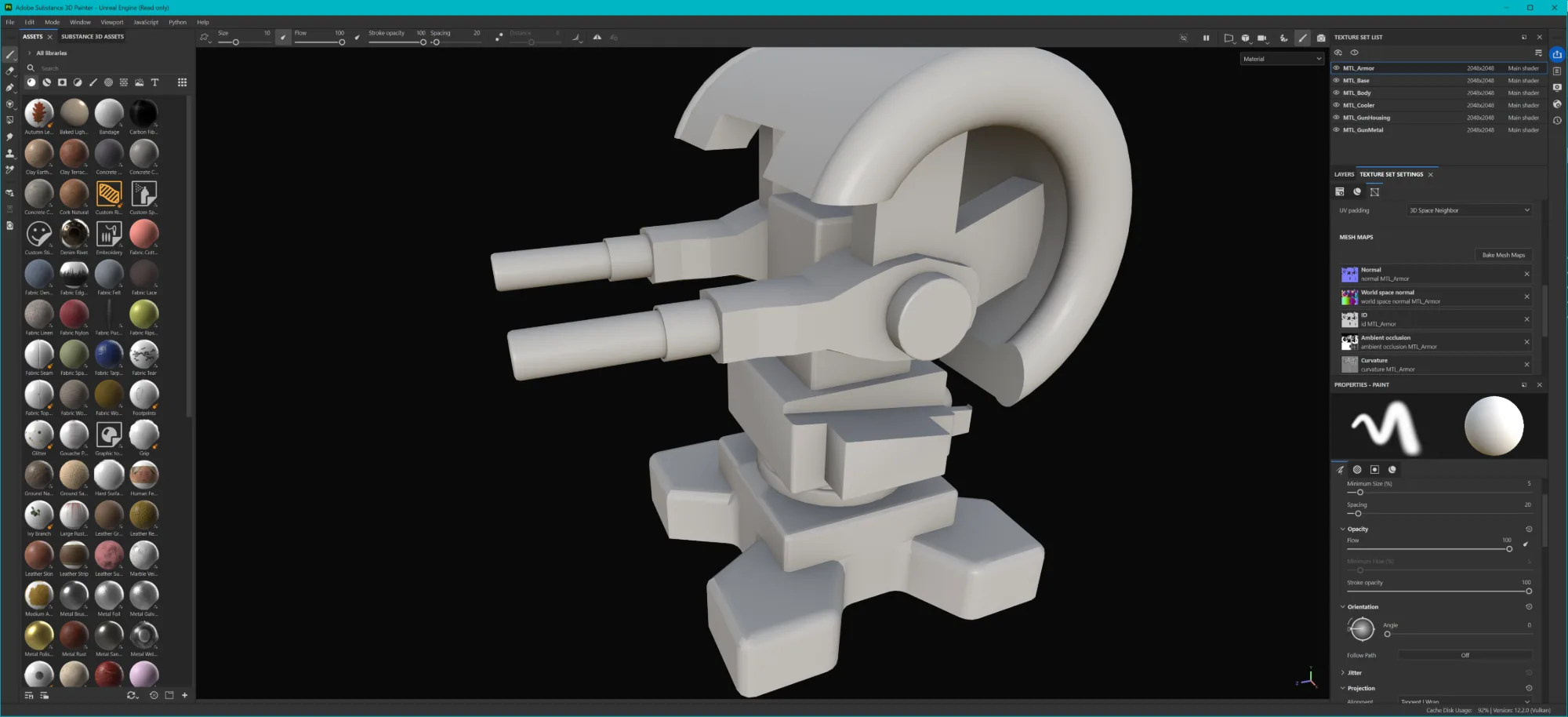
Back in Substance 3D Painter, the texture sets are cleaned up to six, with the cooler on a set of its own. The mesh maps are baked: normal, world-space normal, ID, ambient occlusion and curvature.
Smart materials and masks read these maps to find edges, cavities and which way each surface faces.
04 Materials
Adobe Substance 3D Painter
Paint, one texture set at a time.
09
Brushed metal first
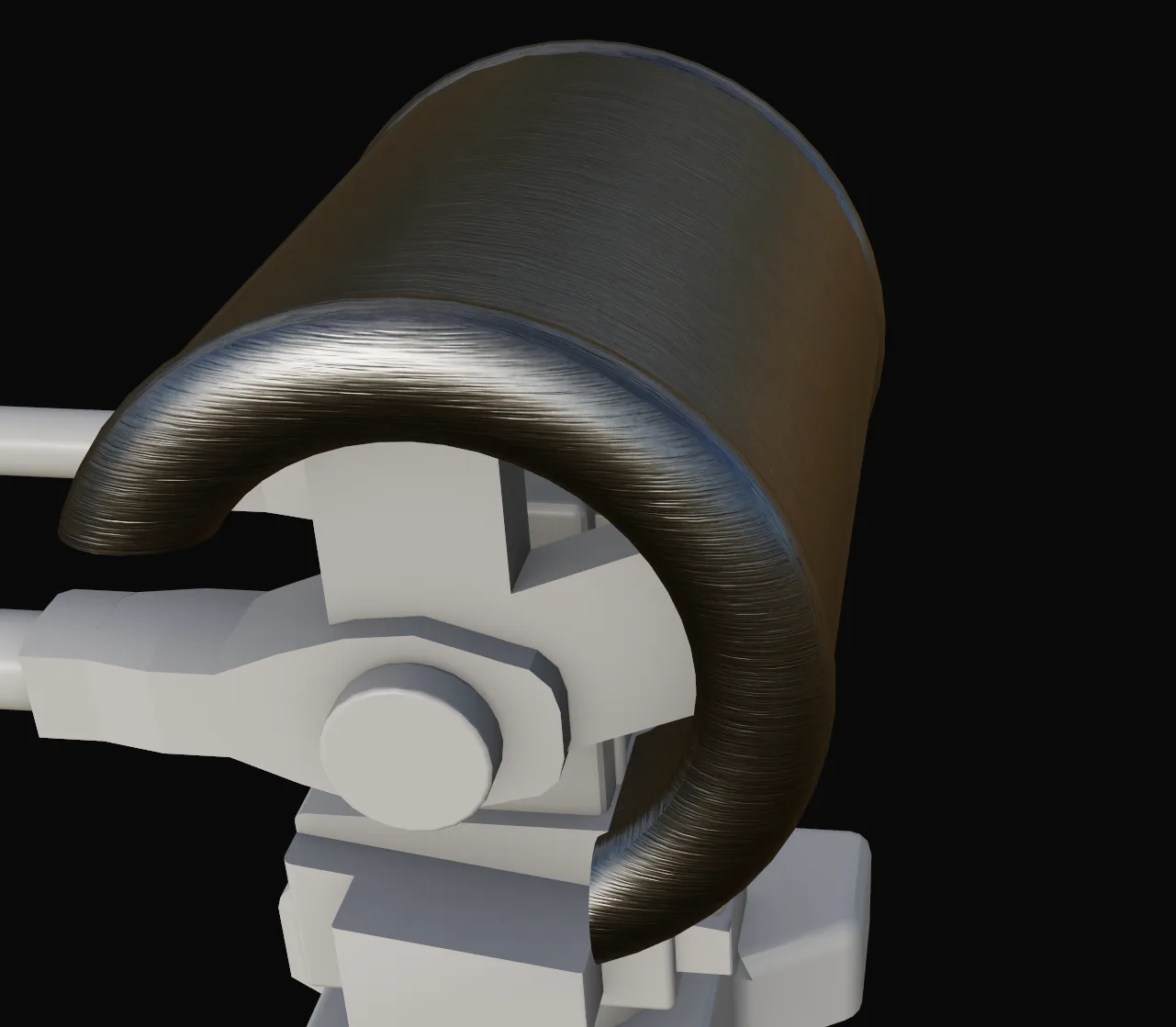
The cooler shroud gets the first material: dark brushed metal, its fine streaks running around the curve.
Everything else is still bare grey.
10
Car paint, masked
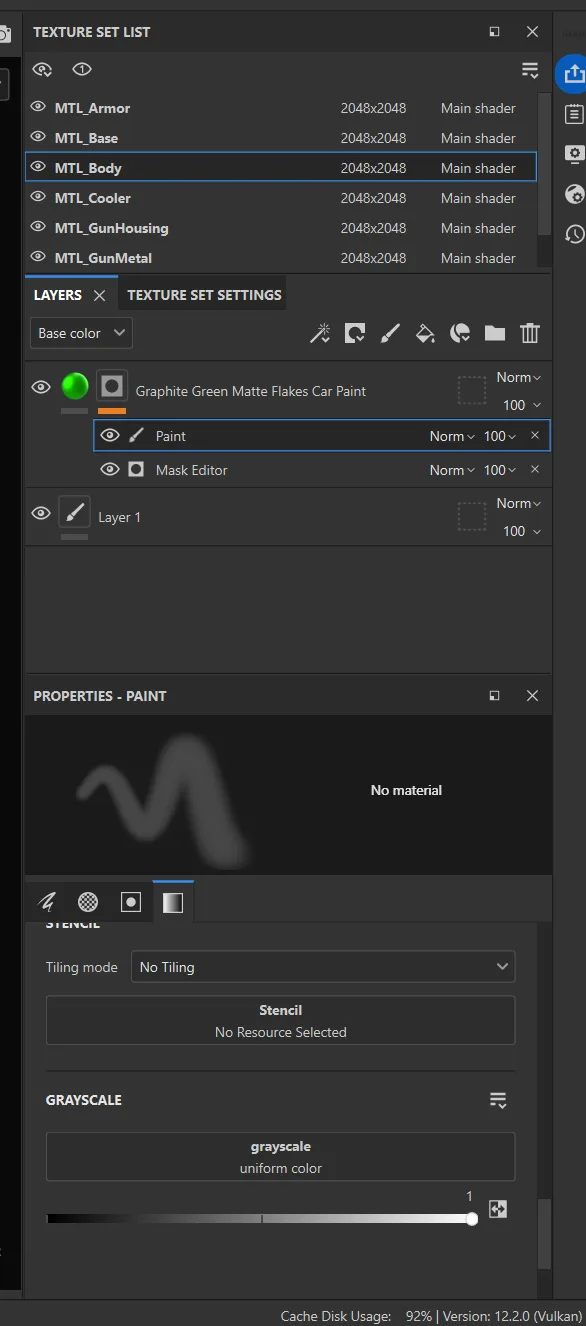
The body's layer stack: a Graphite Green Matte Flakes Car Paint fill, with a paint layer and a Mask Editor on top to control where the green lands.
Every texture set is 2048 × 2048, so each part of the tower gets the same texel budget to work with.
11
Masks from the bake
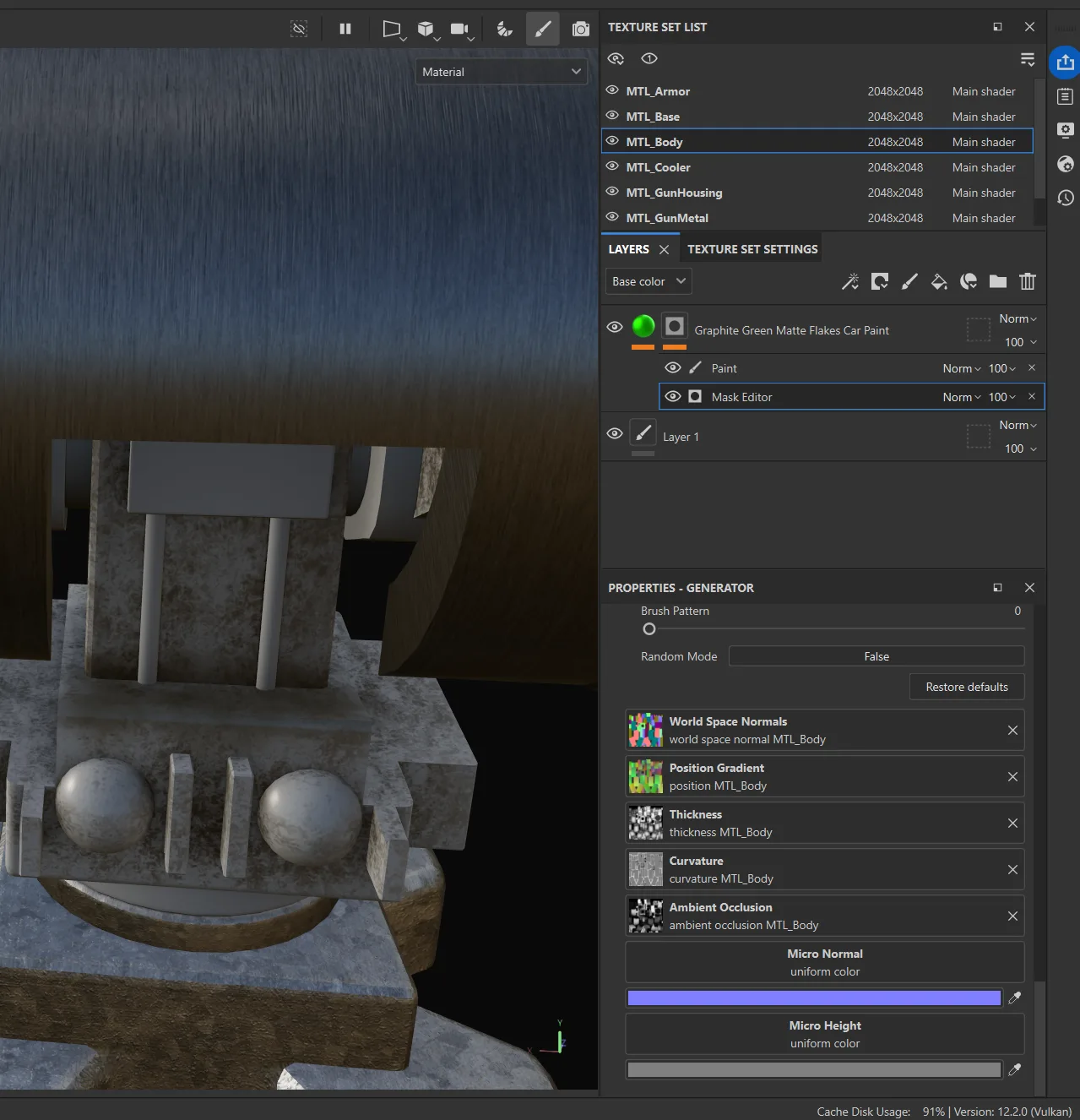
Up close on the rear bracket, now in a mottled metal.
On the right, the Mask Editor generator is fed the baked world-space normals, position gradient, thickness, curvature and ambient occlusion. That is what decides where the next layer lands.
05 Passes
Adobe Substance 3D Painter
From the first full look to the finished tower: six captures over two hours, shown in place so the changes stand out.
-
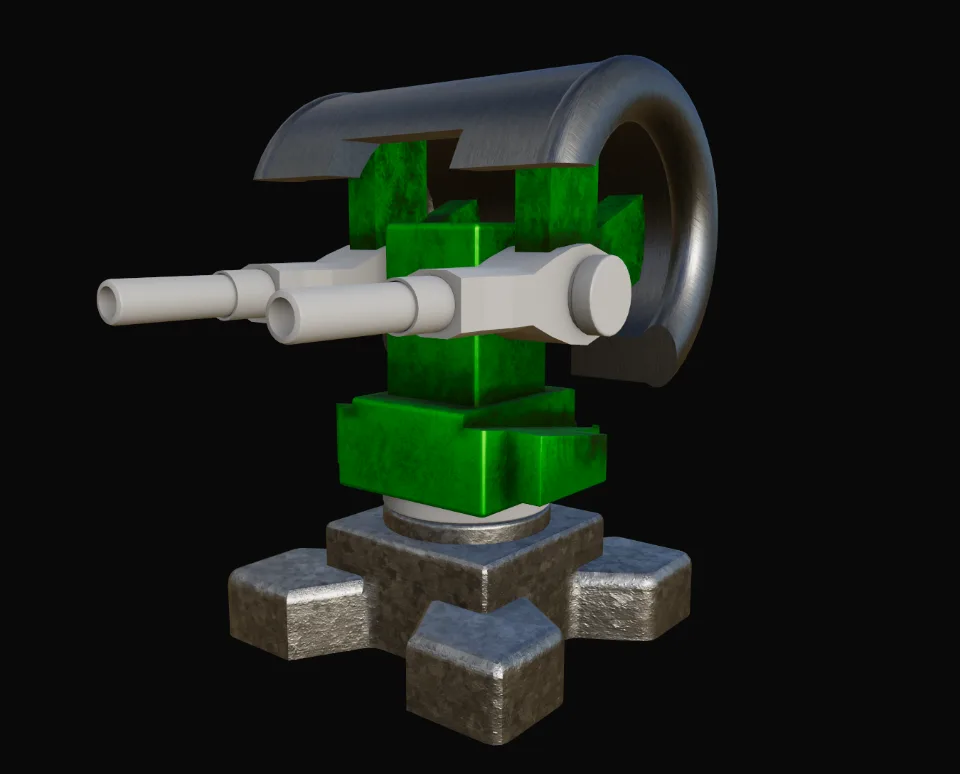
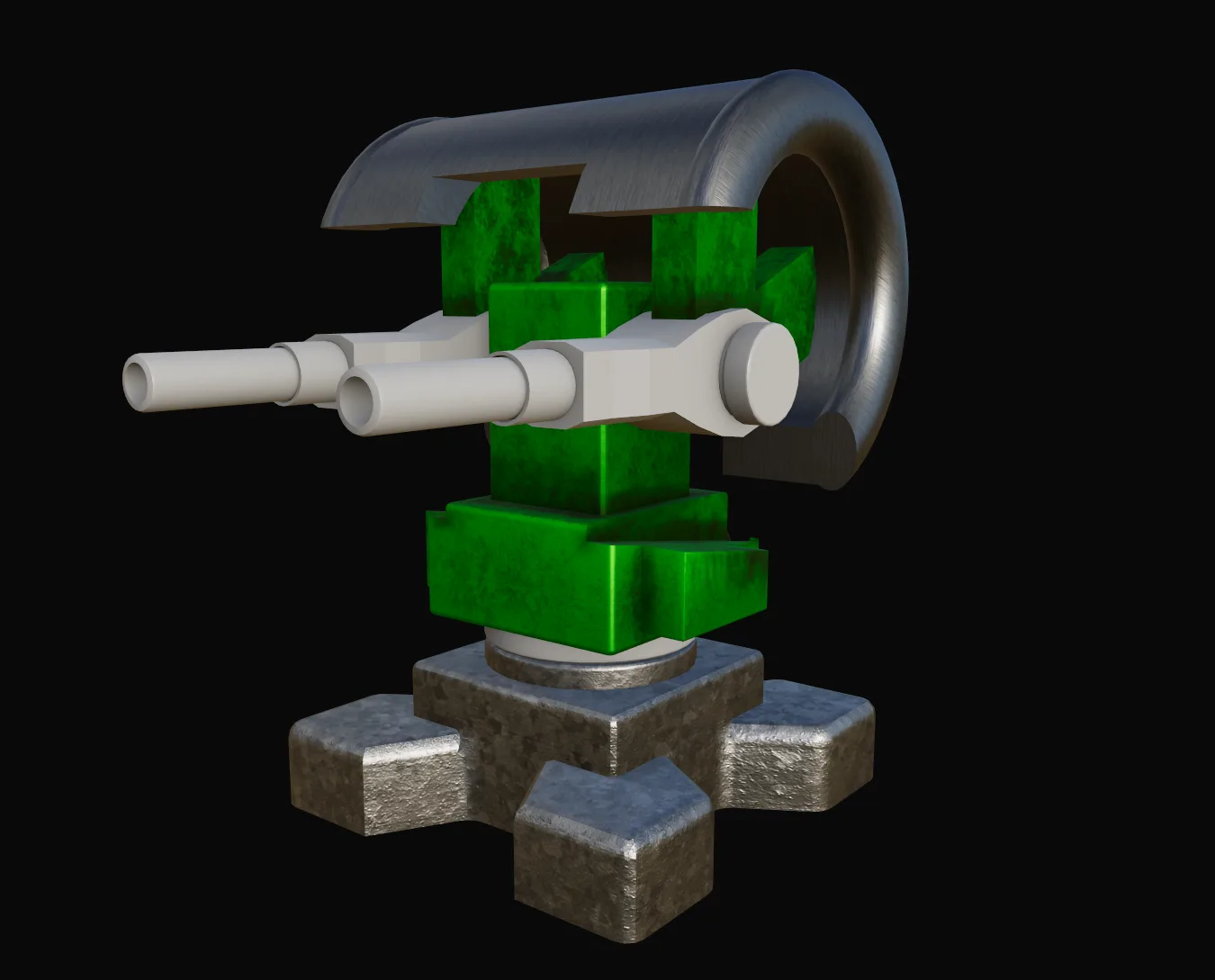
12
First full look
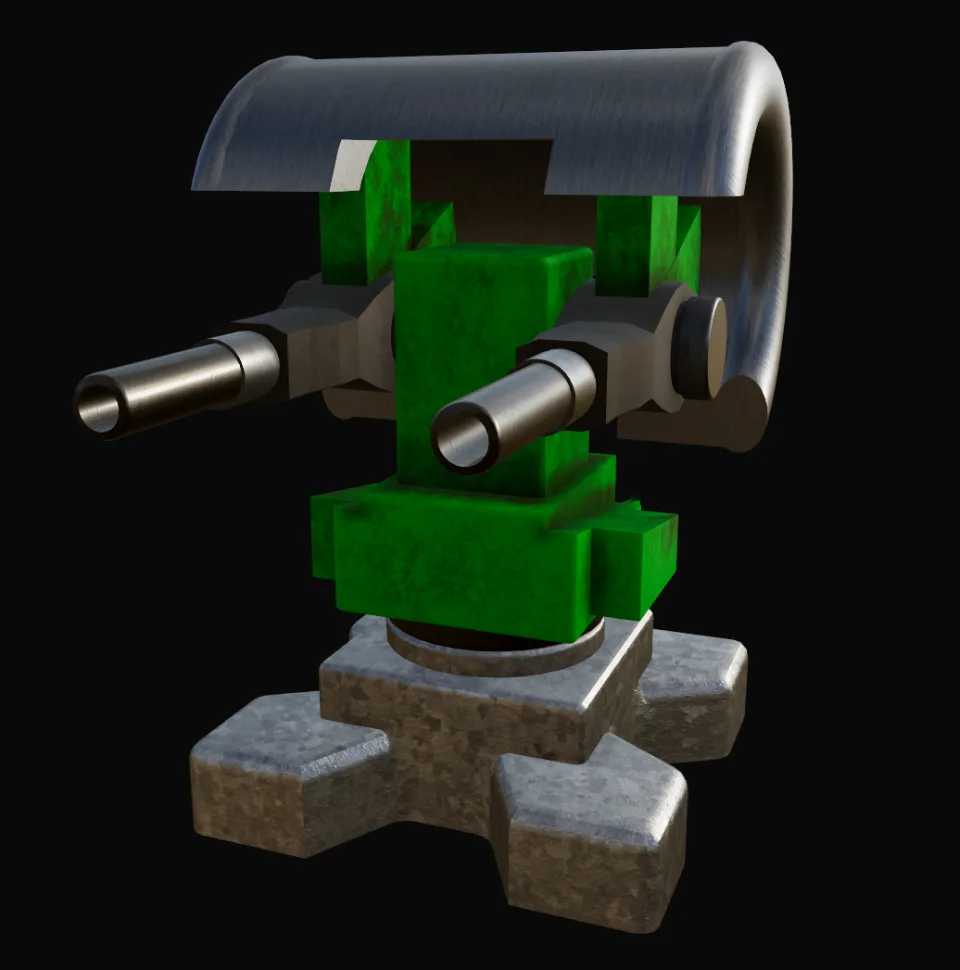
Green body, brushed steel shroud, galvanised footing. The barrels and gun housings are still untextured white.
-
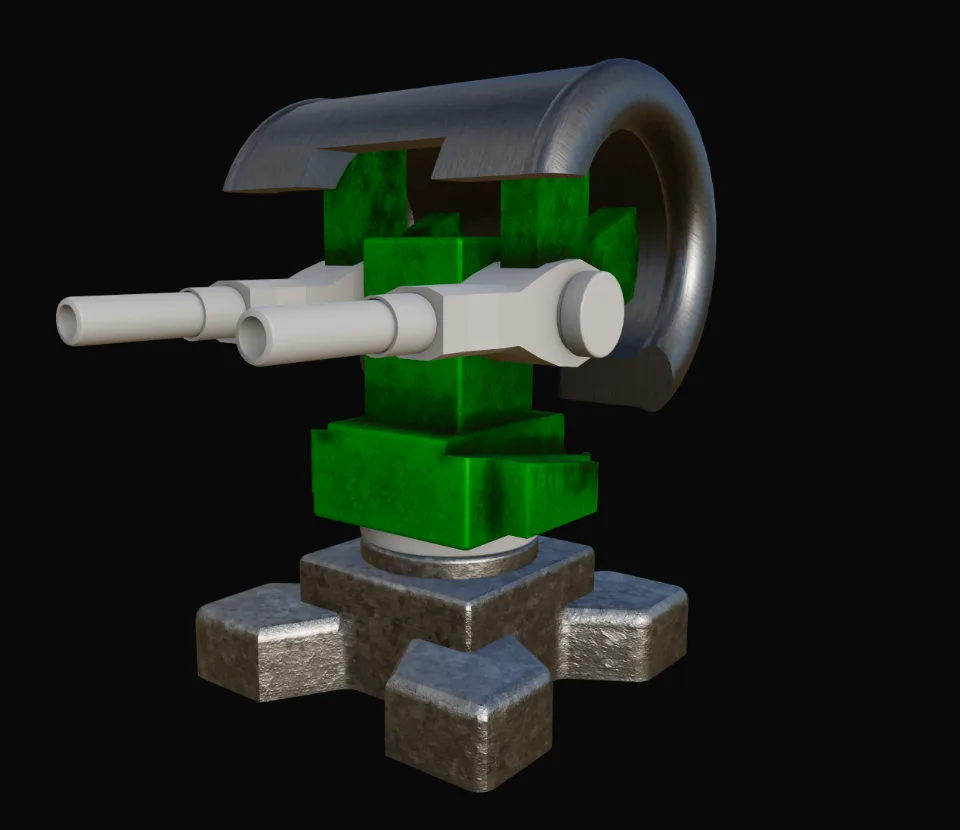
13
Grime
Darker grime worked into the green, heaviest in the corners and along the lower edges.
-
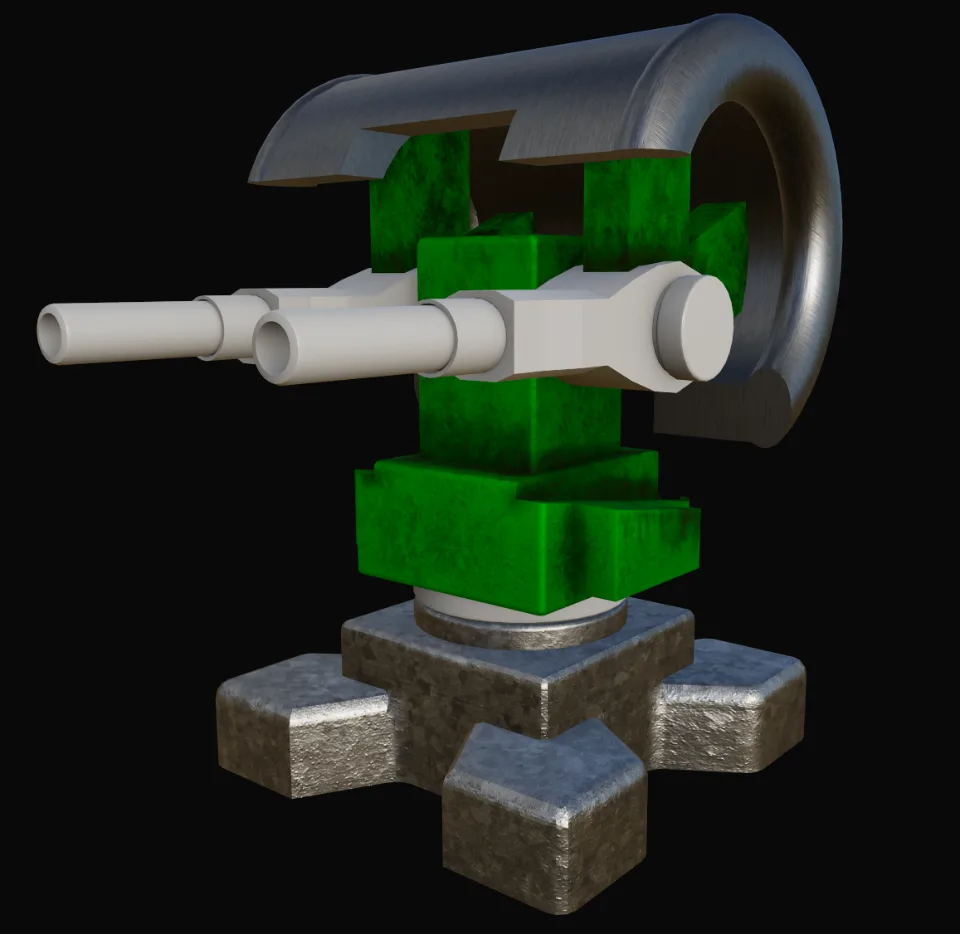
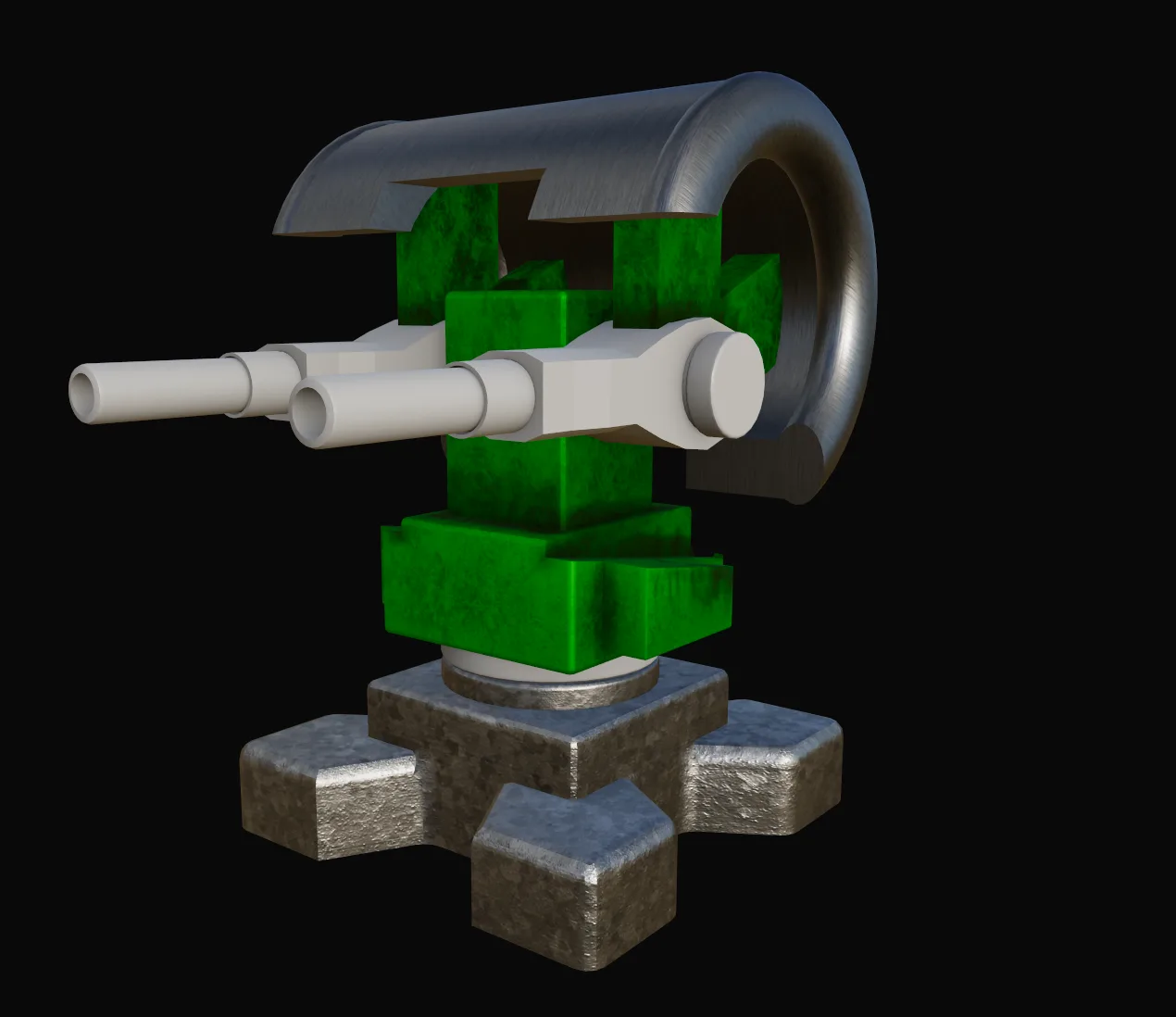
14
A second angle
A minute later and a slightly lower camera: the same materials, checked from somewhere new before the guns are painted.
-
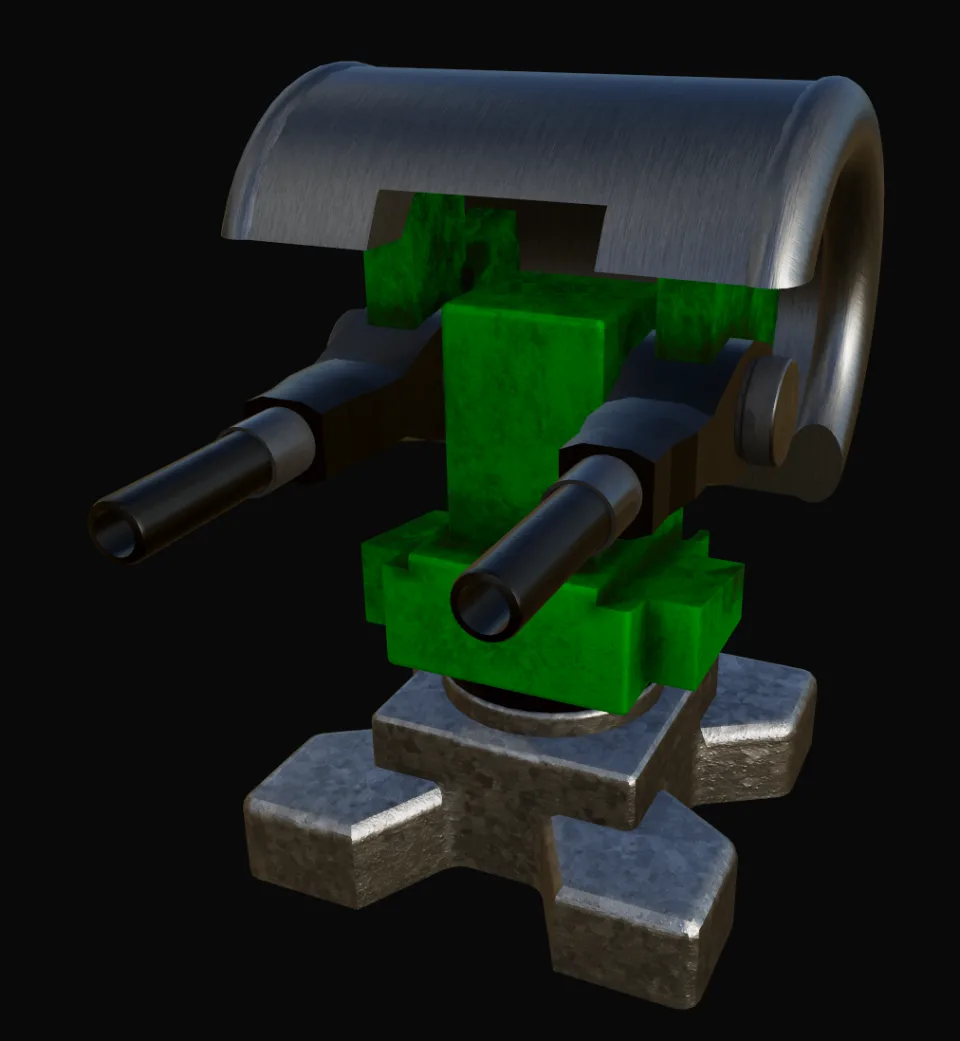
15
Gunmetal
The guns are painted: dark gunmetal barrels and housings, seen from the front with both muzzles facing out.
-
16
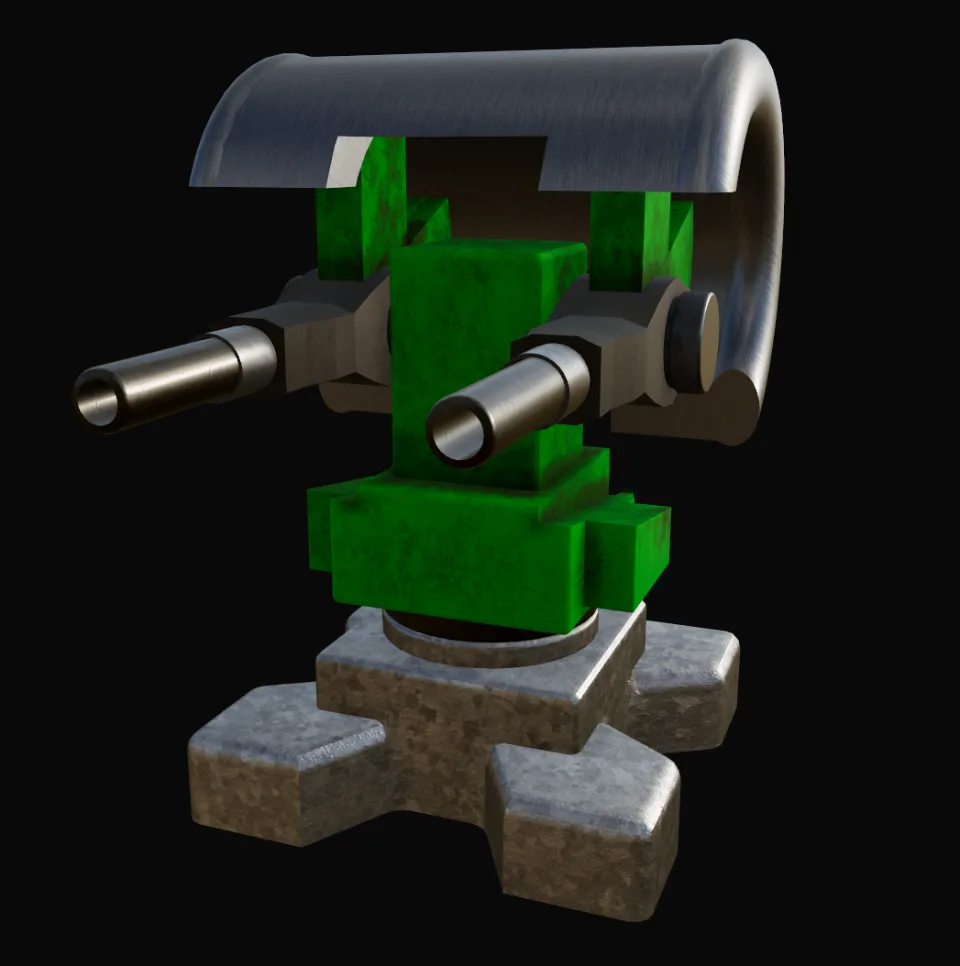
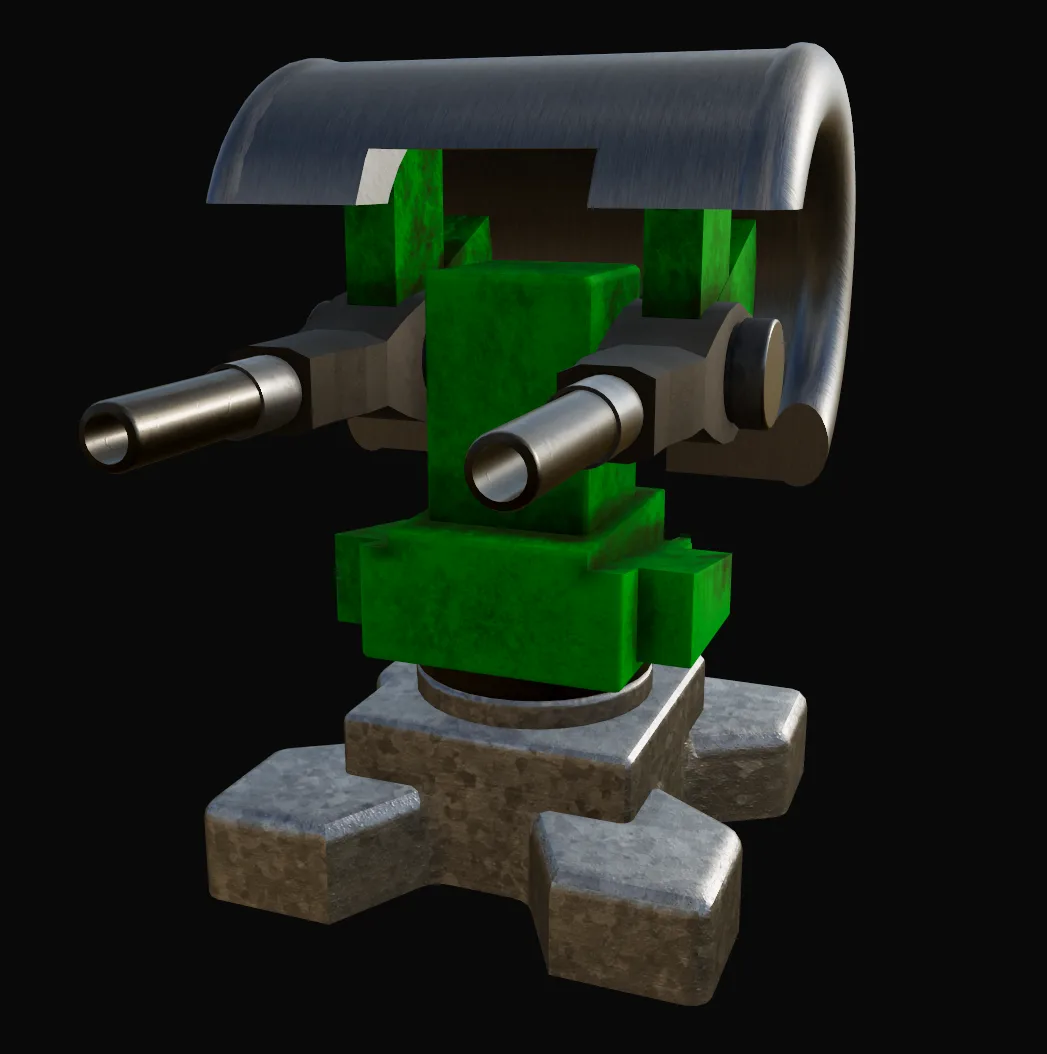
Polished steel
The barrels lighten to polished steel and the housings take a warmer, worn metal, which separates the guns from the green body.
-
17
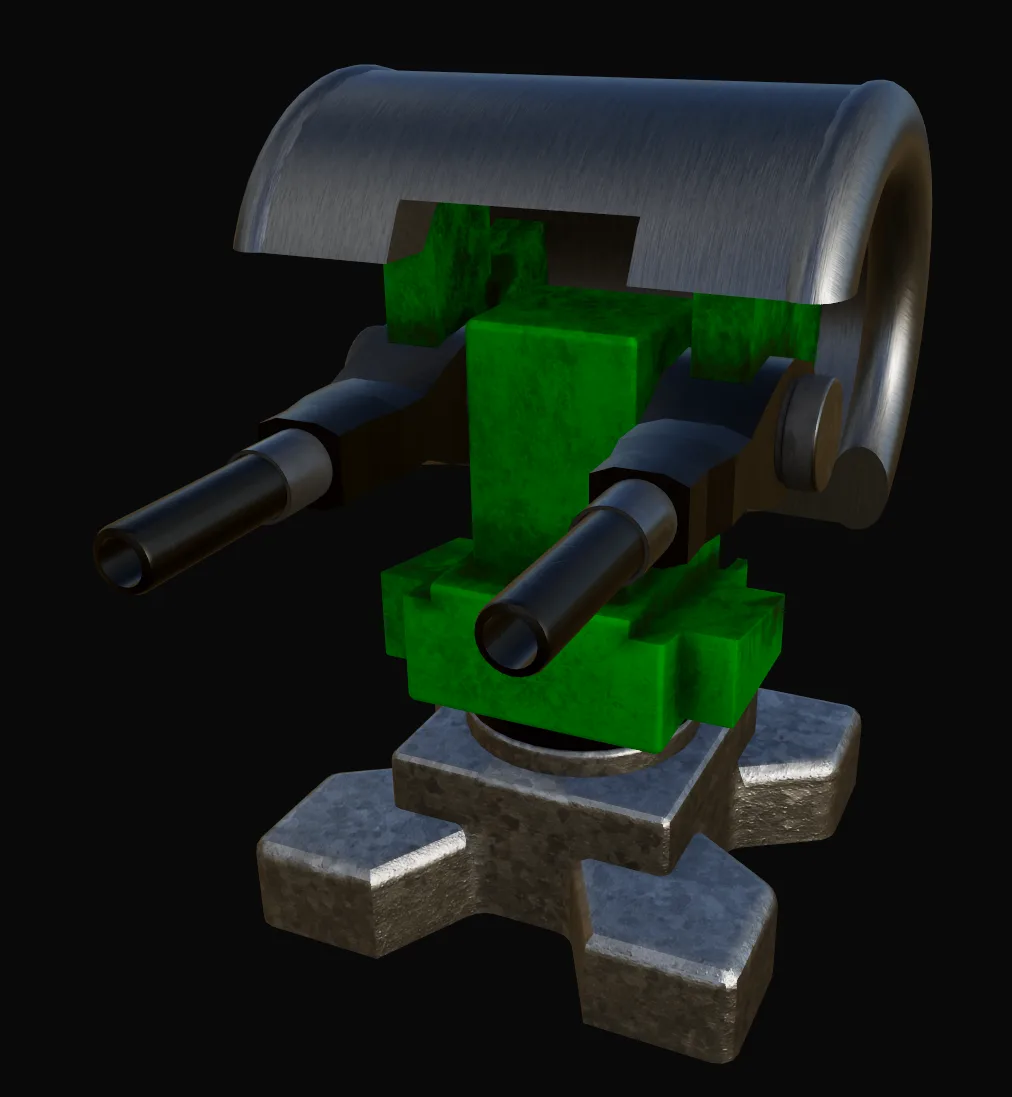
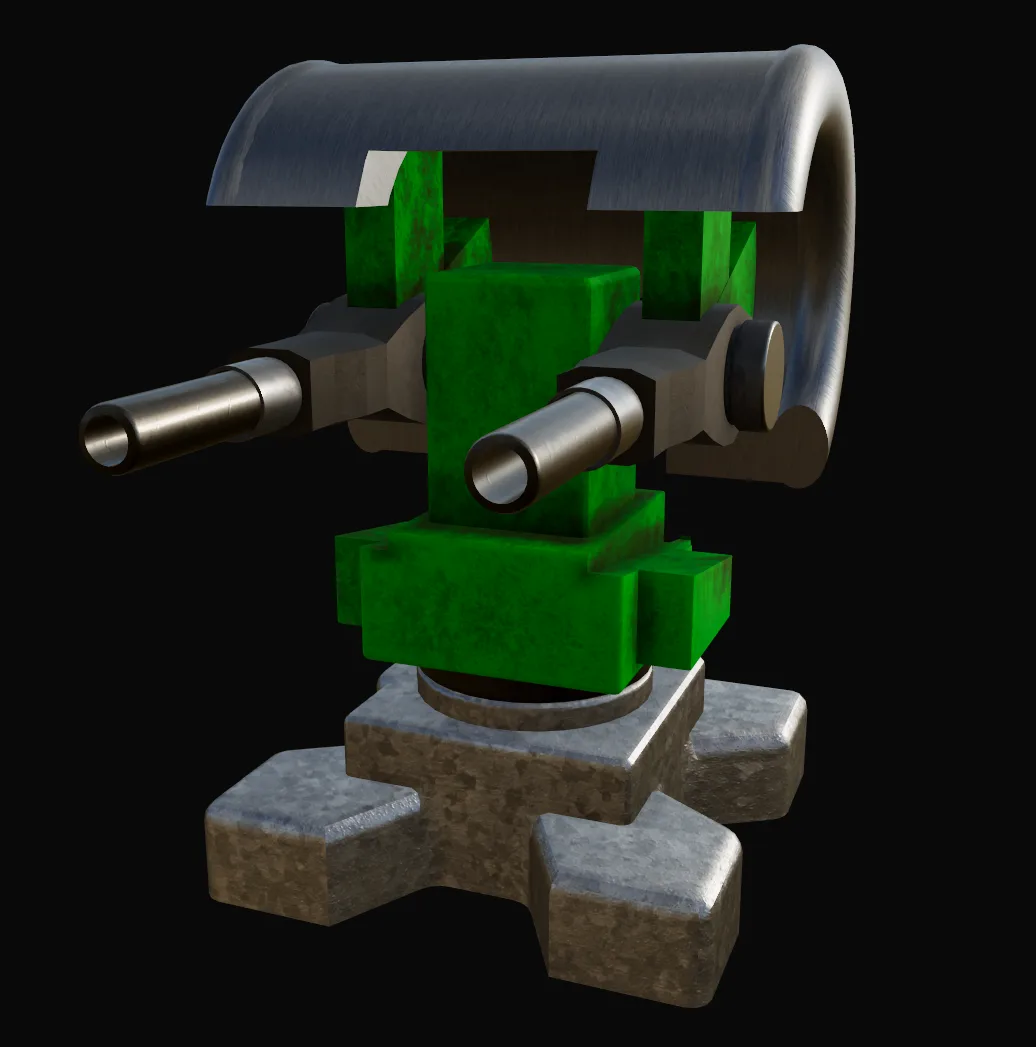
Standing
The last capture, just before dawn: the gun tower, textured end to end.
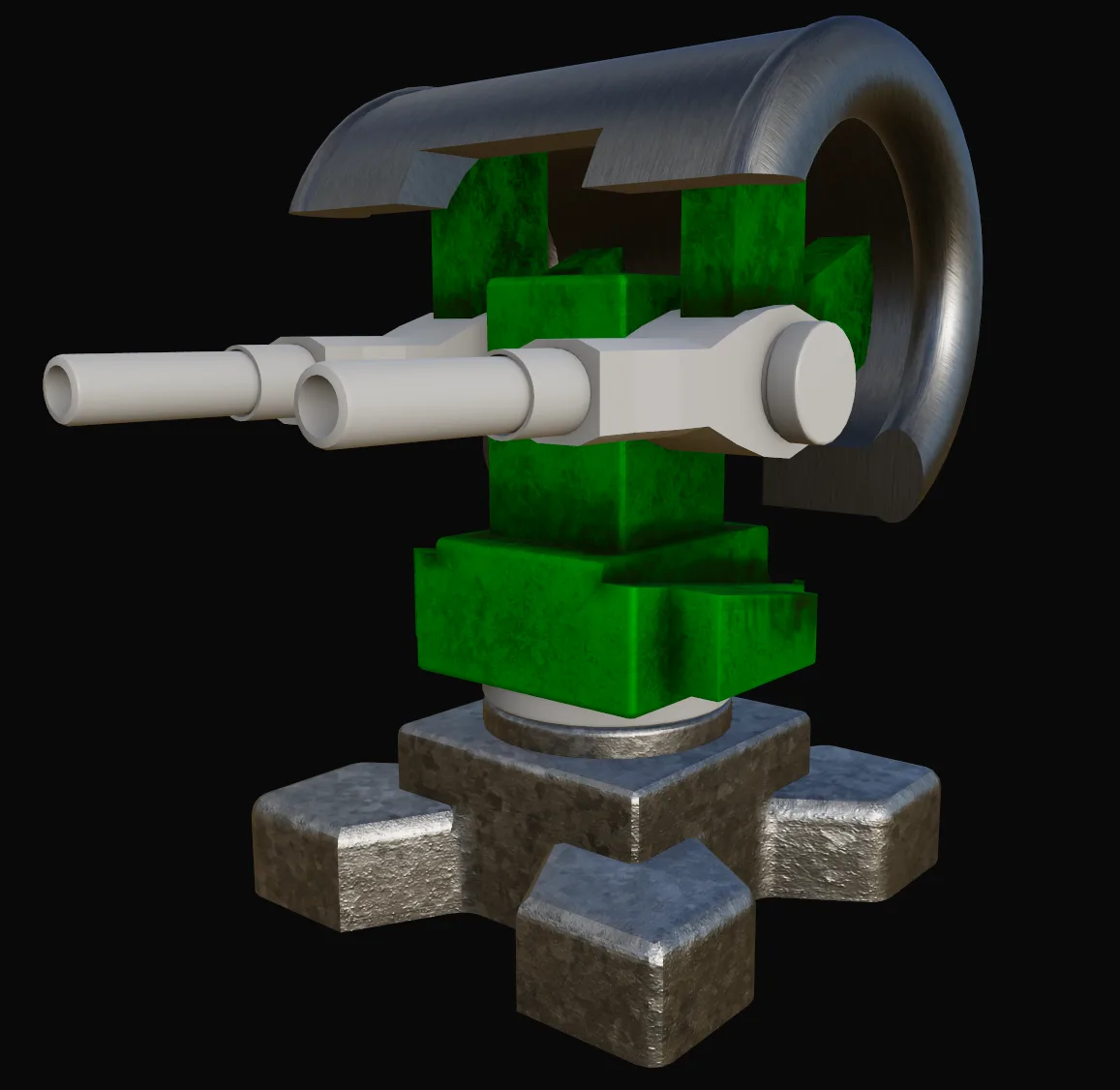
One tower, standing.
Four days later it goes into Unreal Engine and turns out to be the middle of three.